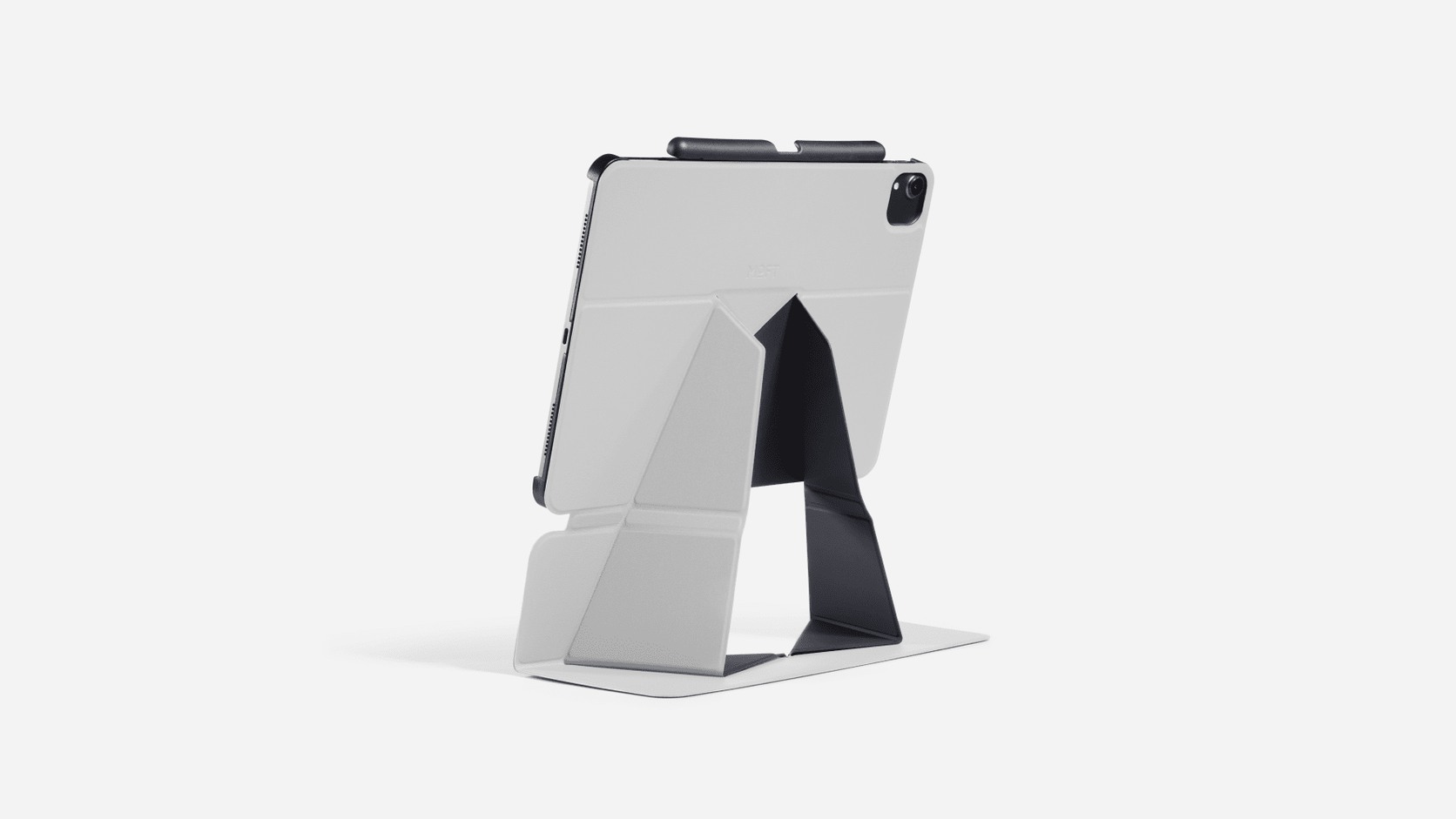
A foldable device stand can look like a simple accessory, yet choosing one involves more than matching a screen size. The stand has to fit a particular device and case, create a useful working position, remain stable under touch or typing pressure and still fold into a form that suits the way the device is carried.
This guide uses three current MOFT records to show how the checks change between laptops, phones and tablets. It is a source-led comparison framework, not a product ranking. ChinoMuse has not physically used the stands, and all dimensions, materials and compatibility statements remain attributed to MOFT.
1. Begin with the device model, not the stand style
Identify the exact laptop, phone or tablet before comparing colours, folds or advertised positions. A screen diagonal is often too broad. Laptop undersides differ in vent placement, feet and curved surfaces; phone cases differ in magnetic construction; tablets with the same nominal size can have different camera layouts and body dimensions.
Write down the model number, generation, device dimensions, case material and any accessory that must remain attached. A stand that supports an unprotected phone may not work through a thick case. A folio listed for one iPad generation should not be assumed to retain another.
2. Decide whether attachment should be permanent, magnetic or fitted
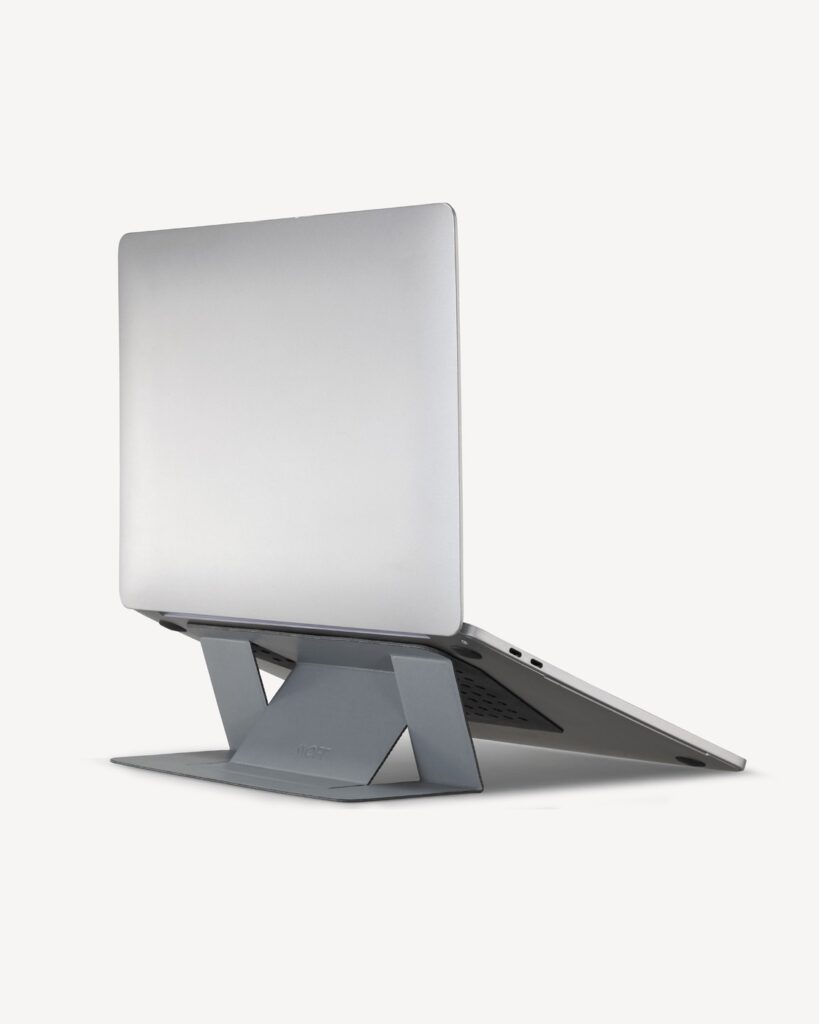
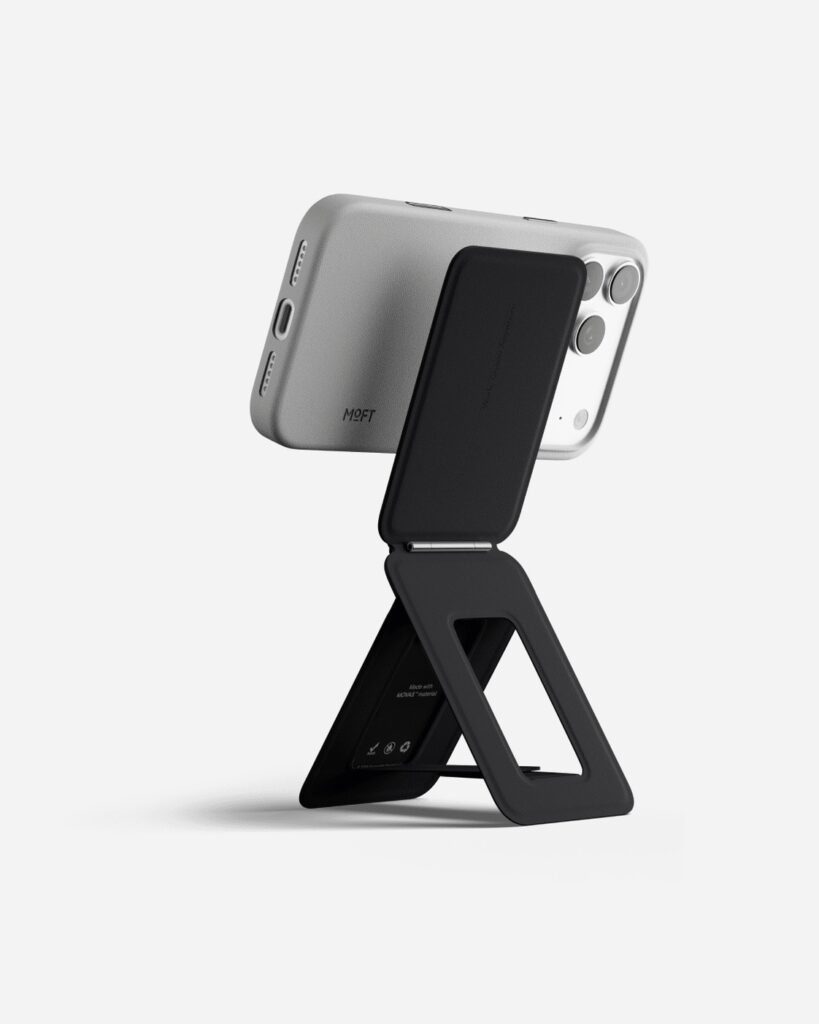
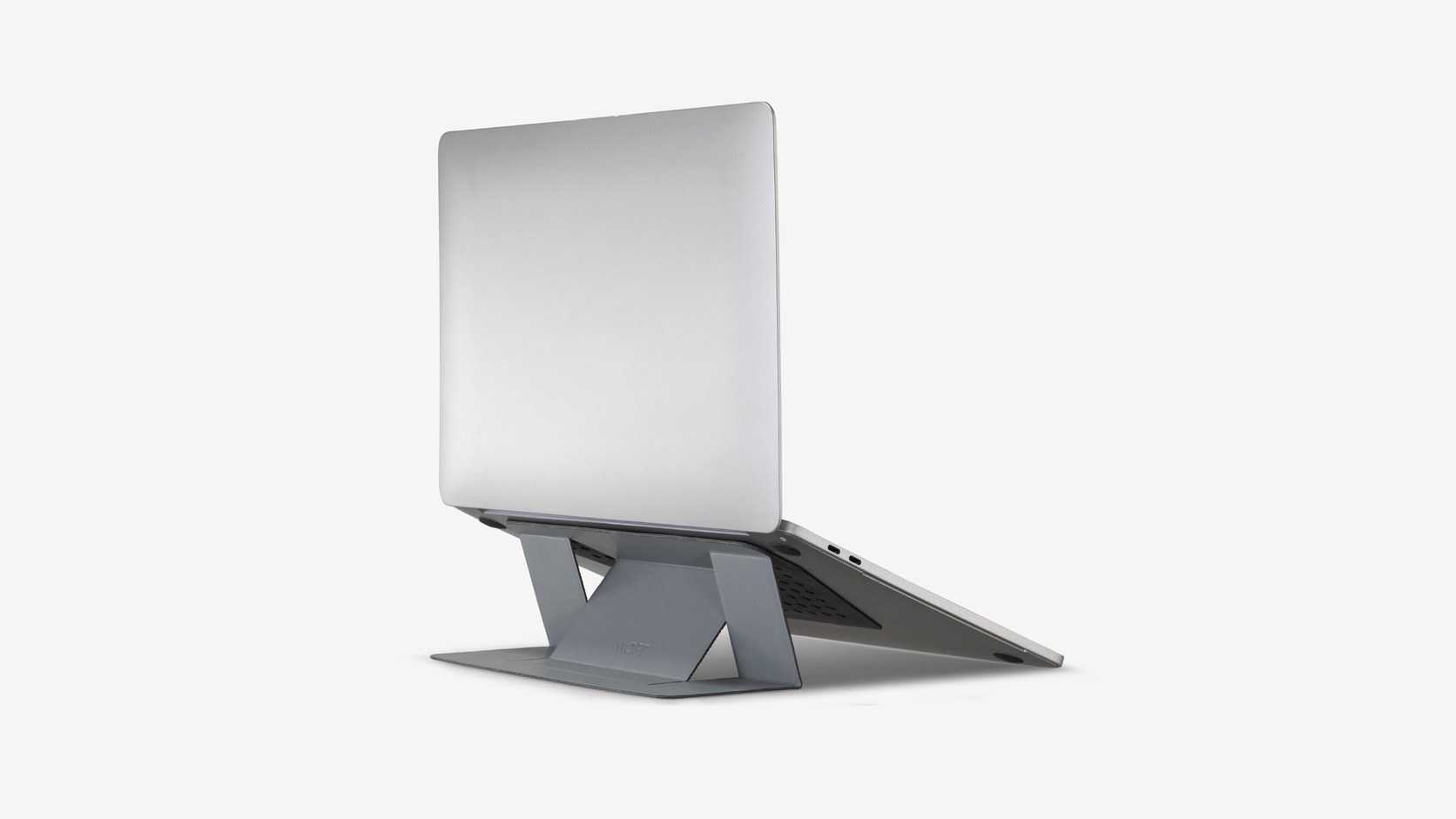
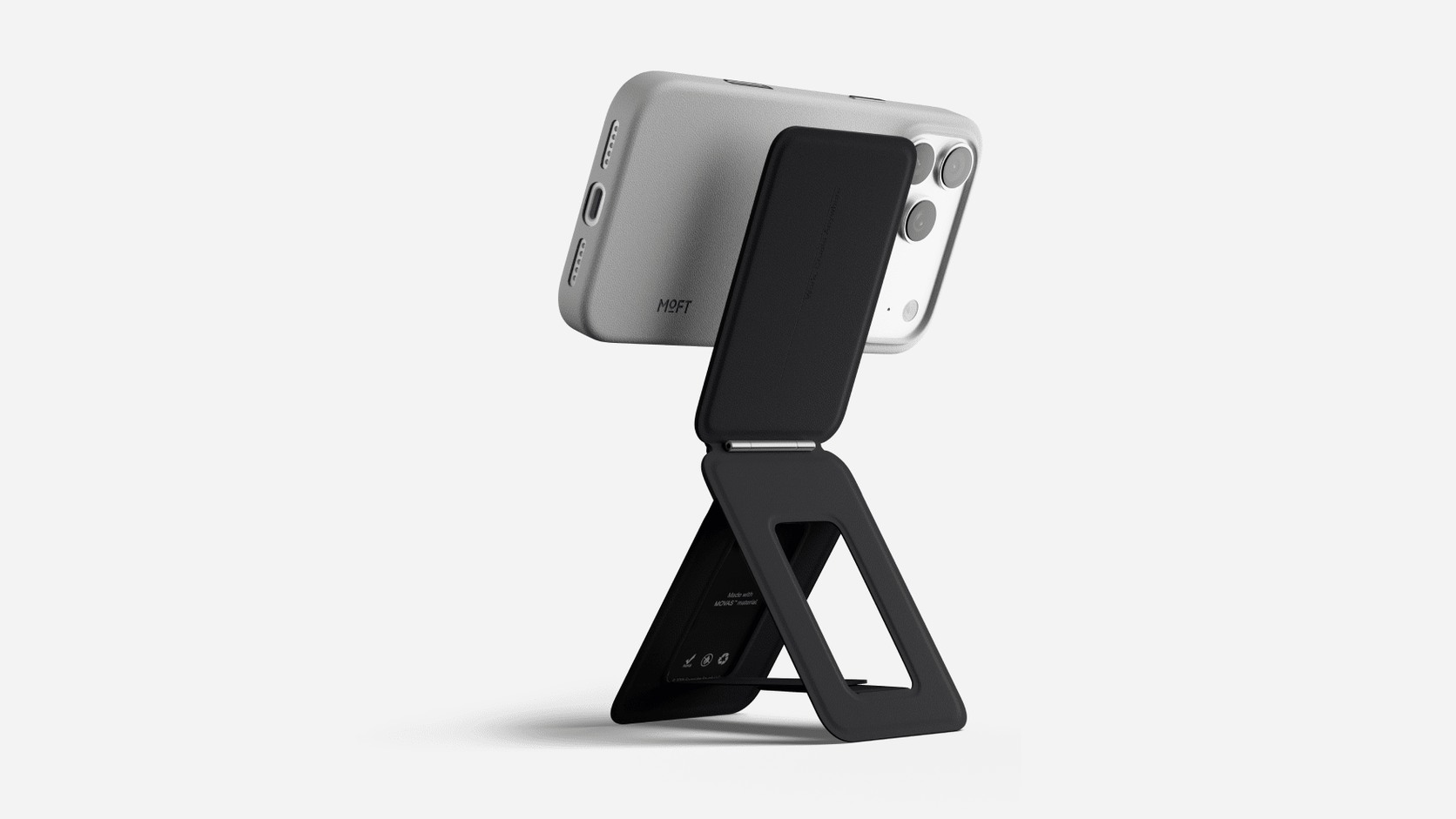
The MOFT Adhesive Laptop Stand stays on the underside of a compatible laptop. The Snap Phone Tripod Stand MOVAS attaches magnetically to a compatible phone or case. The Float Folio Case fits around a specific tablet.
These attachment methods solve different problems. Adhesive reduces the number of loose objects but requires a suitable surface. Magnetic attachment can be removed quickly but depends on the phone and case. A fitted case can integrate protection and support, while making exact generation matching essential.
3. Check the entire contact area
For an adhesive laptop stand, inspect vents, rubber feet, service panels, labels and changes in surface height. MOFT lists its MS006 stand for 11.6–16-inch laptops without underside vents and excludes Surface Book and Surface Book 2 on the cited page. That restriction is more informative than the headline size range.
Do not cover a vent simply because the adhesive panel fits between the laptop edges. Cleanliness, coating condition and previous surface damage can also affect adhesion and removal. The manufacturer’s current installation instructions take priority over a general compatibility summary.
4. Treat magnetic compatibility as a system
MOFT lists direct compatibility for the phone stand with iPhone 12–17 series and MagSafe-compatible cases. Its supplied Metal Ring is intended for suitable flat PC, TPU or aluminium cases, while the company says it should not be attached directly to a bare phone or to silicone, leather or wood cases.
Case thickness, texture, existing magnets and camera geometry can change the way a magnetic stand sits. Confirm whether wireless charging or another magnetic accessory must be removed. Compatibility means the phone, case and stand working together, not the phone name alone.
5. Compare working height with the task
The laptop stand provides two maker-listed heights of two and three inches. The phone stand moves between low stand, elevated tripod and handheld positions. MOFT describes the tablet folio as lifting the screen to approximately 270mm for 11-inch versions and 320mm for 13-inch versions.
More height is not automatically better. A raised laptop used for sustained typing may still require an external keyboard and pointing device. A high phone position can improve camera framing but reduce the tipping margin. A tablet close to eye level may be useful for viewing while feeling less secure during forceful screen input.
6. Test the geometry on paper before purchase
Use the published dimensions to sketch the footprint on the intended desk, shelf or tray. The laptop stand measures 170 × 224 × 3mm when folded; the phone stand measures 96.5 × 63.5 × 6.9mm. The tablet folio varies by the selected iPad model.
A footprint should include the device, not only the stand. Check whether the arrangement leaves room for a keyboard, mouse, charging cable or nearby edge. On a narrow train table or café counter, the rear support depth can matter as much as the visible screen width.
7. Separate viewing stability from typing stability
A stand can hold a device securely for video while moving during direct input. Typing pressure travels through a laptop keyboard; tapping can move a tablet or phone; a tall phone support can react to a side swipe. Decide which kind of contact the setup must tolerate.
Published photographs establish possible positions but not stability on every surface. Device mass, case weight, hinge angle, desk level and hand pressure all affect the result. ChinoMuse has not measured deflection, tipping resistance or hinge retention for these products.
8. Keep ports, cameras and ventilation usable
Check charging ports, speakers, microphones, buttons and camera fields in every intended position. A cable can introduce leverage or prevent a stand from sitting flat. A tablet case can alter pencil storage. A laptop stand can change how air reaches the underside even when it does not directly cover a vent.
Make a simple diagram of the device edges and mark everything that must remain accessible. This is especially useful when a stand rotates between portrait and landscape orientations or when the same accessory is expected to work with a charging cable attached.
9. Count the thickness and weight added to the carried device
MOFT lists the laptop stand at 89g and 3mm thick, and the phone stand at 85g and 6.9mm thick. Float Folio weights vary by size, including 319g for the cited iPad Pro 11 M4/M5 version and 426g for the 13-inch M4/M5 version.
Those figures should be added to the device and case, then compared with the bag sleeve, pocket or hand-carry routine. A stand that folds flat may still interfere with another accessory or change how the device balances. Portability is the complete carried system, not the accessory in isolation.
10. Verify the exact variant and package
Model families often contain several sizes and colours. MOFT identifies the three current records as MS006, MS027 and MS026C, but the tablet product separates compatibility by generation. Confirm the variant name, model code, colour, included ring or pencil holder and regional return terms on the active page.
Do not use a shared family photograph as proof that every package contains the same parts. If a small fitting component is essential, unresolved package contents should remain a buying blocker rather than an assumption.
11. Read material descriptions narrowly
MOFT lists combinations including PU, fibreglass, magnets, metal sheets, polycarbonate and removable glue. These descriptions help identify construction, but they do not establish durability, stain resistance, hinge life, magnetic force or residue-free removal on every surface.
Record which material belongs to which component. Avoid turning a named material into a performance claim. Long-term results depend on geometry, manufacturing, environment and use as well as material identity.
12. Use a final decision record
- Device: exact model, generation, dimensions and case.
- Attachment: adhesive, magnetic or fitted, including surface restrictions.
- Task: viewing, typing, drawing, calls, filming or mixed use.
- Position: working height, angle, portrait or landscape.
- Access: ports, vents, camera, buttons, speakers and pencil.
- Stability: expected touch pressure and available footprint.
- Carry: combined thickness, mass and compatibility with the bag.
- Variant: model code, package contents, seller and support route.
Choose the stand that fits the routine
The most useful foldable stand is not necessarily the one with the greatest number of positions. It is the one whose attachment, geometry and folded state suit the same device and routine without obscuring a critical limitation.
Start with exact compatibility, then compare working position, stability, access and carry. That order prevents an elegant fold from becoming a poor fit.