
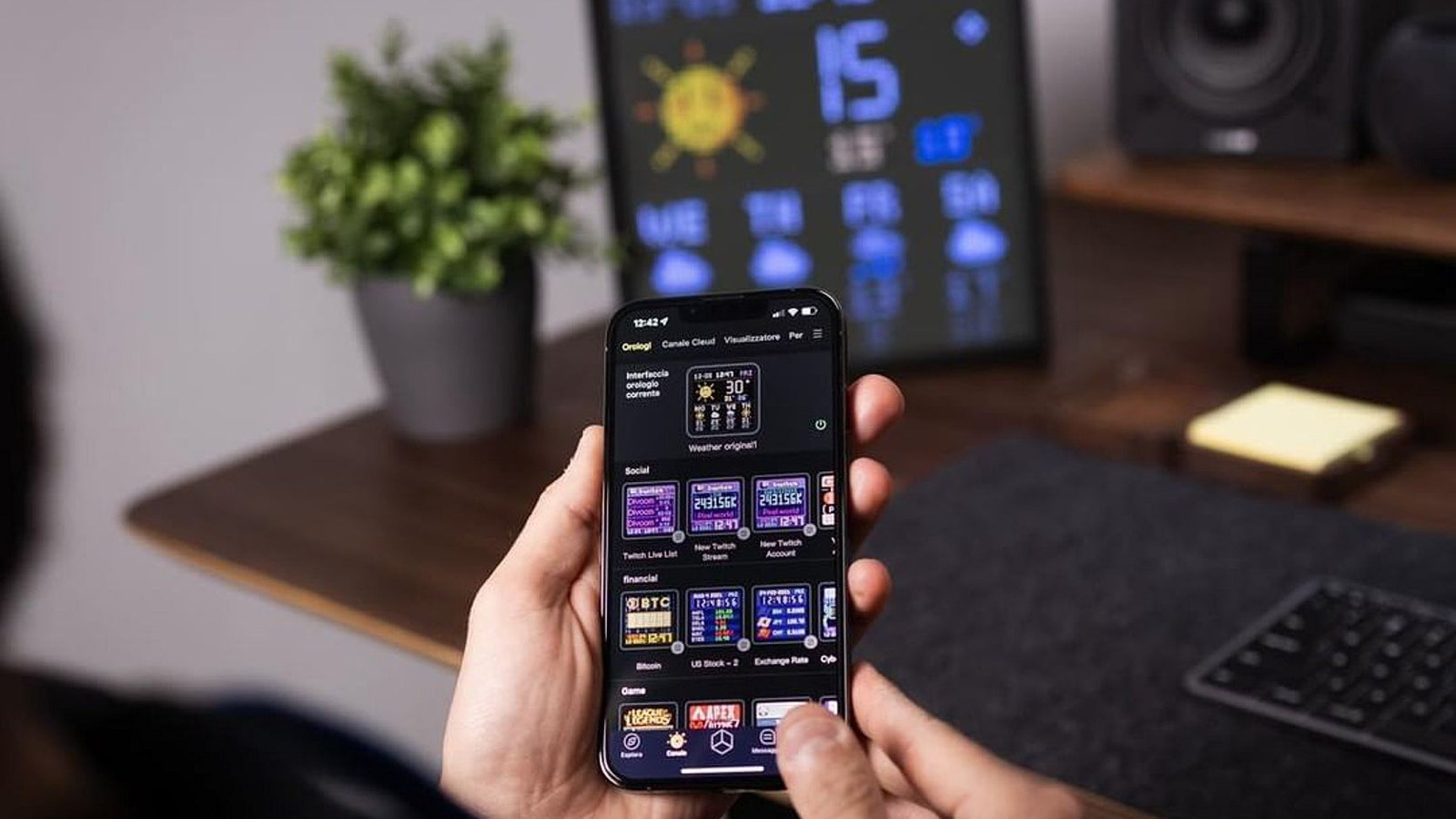

A desk pixel display can be a clock, a small information panel, a canvas for animated graphics or all three. Those uses may look similar in a product photograph, but they place different demands on screen size, viewing distance, network access and software support.
This guide uses three current Divoom records to show how to compare the category without treating every illuminated grid as the same object. It is a source-led buying framework, not a ranking or account of physical use. ChinoMuse has not tested the displays.
1. Decide what the screen must do
Begin with a short list of tasks. A glanceable dashboard needs concise information that can be read between other work. A pixel-art frame needs enough resolution and colour to preserve the intended image. A speaker with a screen may place audio and physical controls ahead of information density.
Write down the two or three functions that must work every day. Treat weather, market data and social counters as software services rather than permanent hardware features. If a particular widget is essential, confirm it in the current app before purchase.
2. Compare screen structure, not only overall size
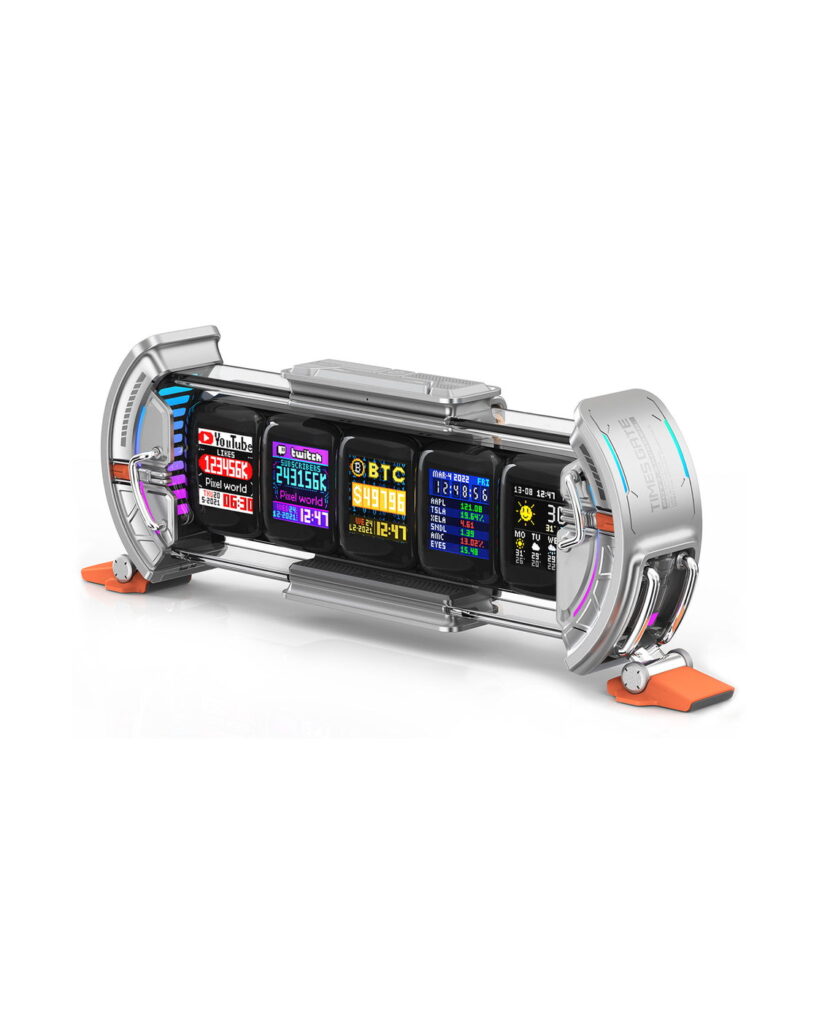
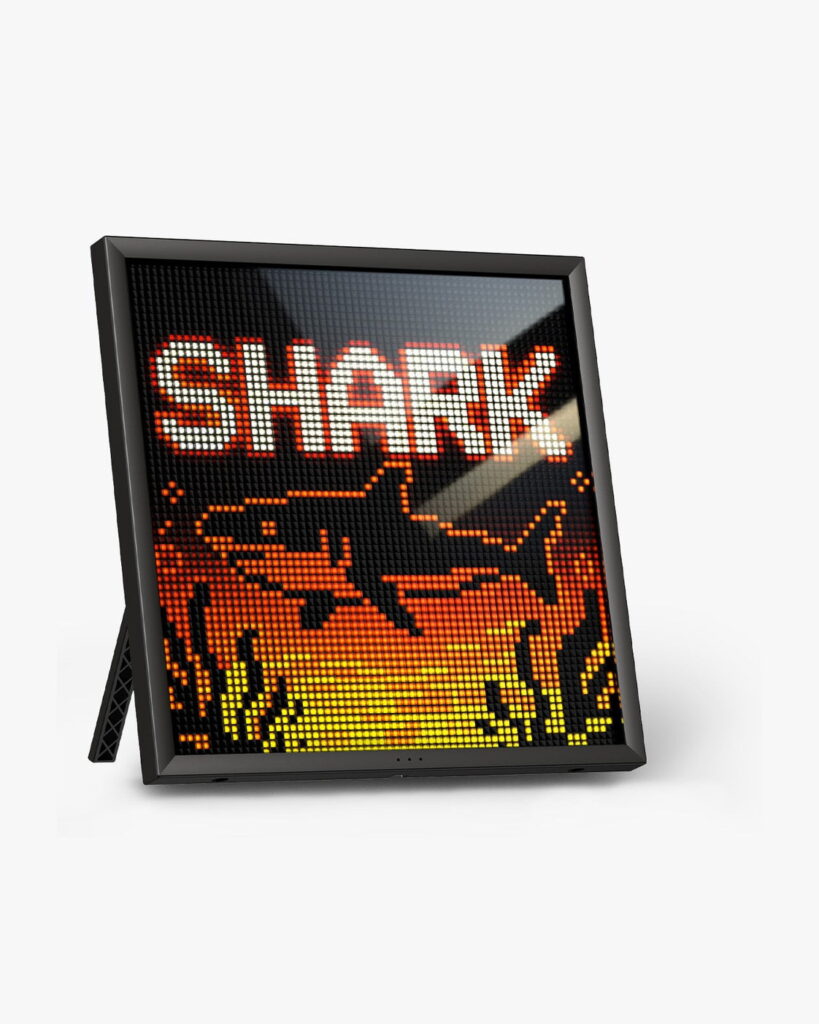
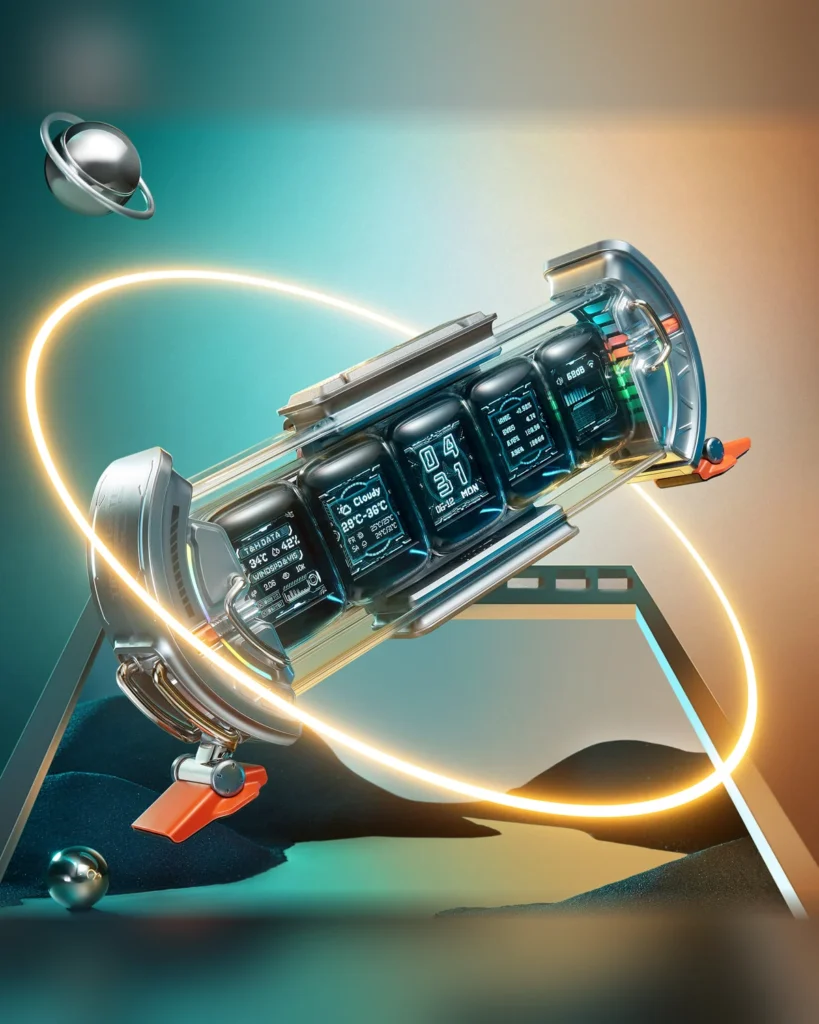
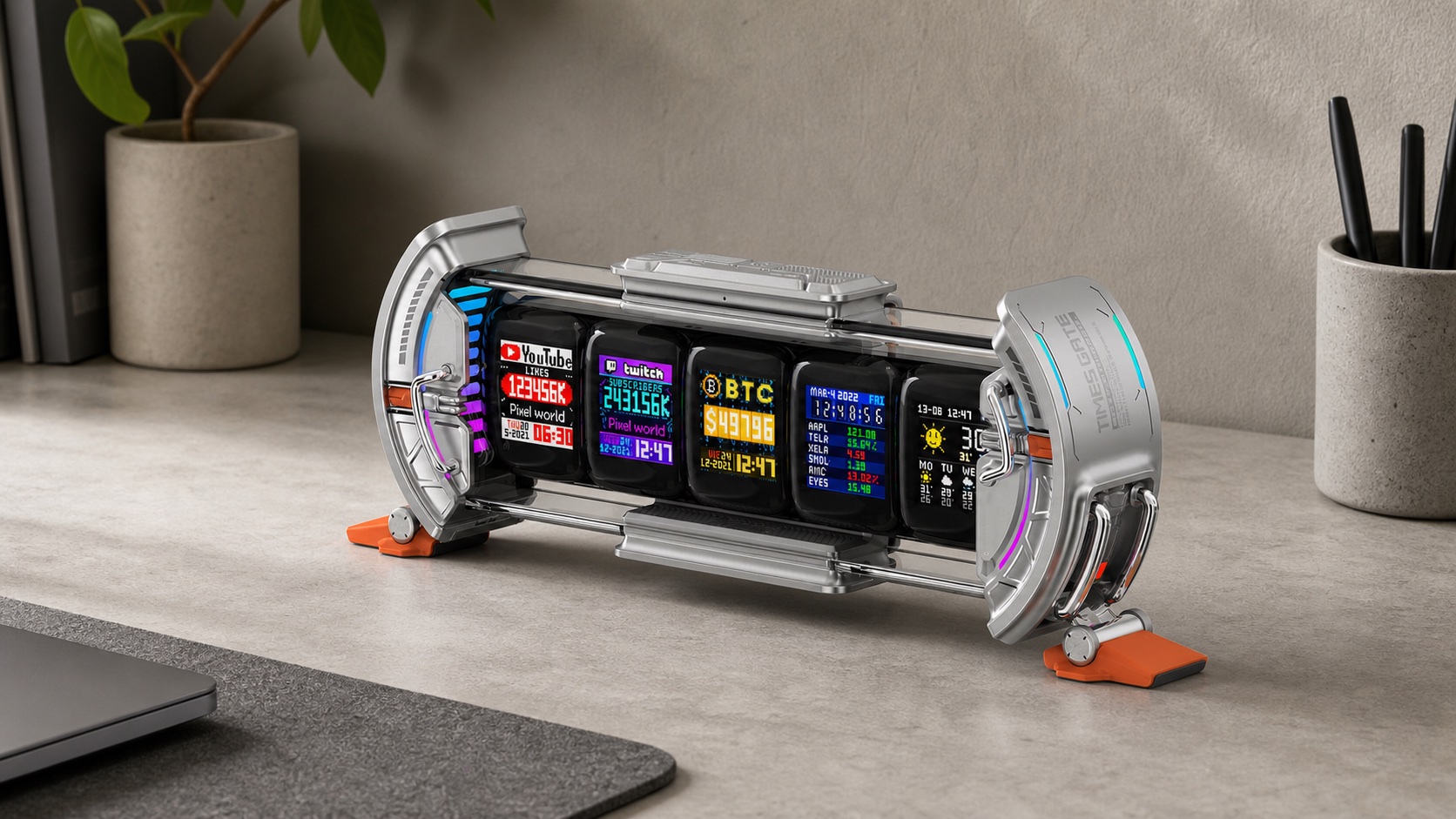
The Divoom Times Gate divides information across five independent 128 × 128 colour LCD panels. The Pixoo-64Ⅱ uses one 64 × 64 LED pixel grid. The Ditoo-Pro integrates a smaller colour pixel screen into a speaker shaped like a retro computer.
Five panels can separate different widgets, while one square panel gives a single composition more room. Neither arrangement is inherently better. The right structure depends on whether information should be divided, combined or secondary to another function.
3. Test legibility at the actual viewing distance
Pixel displays are designed to reveal their grid. At close range, individual pixels and short labels remain obvious; from farther away, shapes combine and animations read more smoothly. Text that looks clear in a promotional close-up may be too small across a deep desk.
Measure the distance from the intended position to the user’s eyes. Check whether the display will sit below a monitor, beside a laptop or across a room. High contrast and simple information usually survive distance better than detailed graphics or several fast-changing figures.
4. Treat the app as part of the product
Divoom’s cited products use its mobile app for content selection or creation. That means the experience depends on more than the enclosure and screen. Phone compatibility, account access, permissions, regional services and future app updates can affect what remains usable.
Before purchase, check the current app listing, recent update history and the exact features shown for the model. Do not assume that every image in a shared gallery, every community animation or every widget is available without an account or network connection.
5. Separate local artwork from live data
A stored animation and a live counter can appear side by side while relying on different systems. Local or app-sent artwork may continue to display after setup. Weather, financial data and social metrics can depend on external providers, permissions and network access.
If the screen is intended as a reliable status panel, identify the source behind each datum and what happens when the connection fails. A decorative fallback is not the same as a functioning alert or monitoring system. These devices should not be treated as safety-critical displays.
6. Check network support and placement together
Divoom lists dual-band 2.4GHz and 5GHz Wi-Fi plus Bluetooth for Pixoo-64Ⅱ. Times Gate is app-controlled and its data widgets require the relevant connectivity. Network names, captive portals, enterprise Wi-Fi and isolated guest networks can complicate setup even when the radio band is nominally supported.
Place the device where signal quality, reflections and cable routing can all work. A wall-mounted panel may have stronger visual impact but be harder to reach or re-cable. A desk display can be repositioned, though it also competes with work space and monitor sightlines.
7. Confirm power before choosing a position
A continuously illuminated information display needs a practical power route. Check the supplied regional adapter or cable, connector position and whether a wall installation can conceal the cable without unsafe routing. Do not infer battery operation from a wireless connection.
Ditoo-Pro is different: its official manual lists a built-in 5000mAh, 3.6V lithium-ion battery and 5V/2A USB Type-C charging. The maker lists approximately four hours to charge and approximately eight hours of playback under its test conditions. Actual runtime depends on volume, screen use, lighting and operating conditions.
8. Match motion and brightness to the room
Animation that suits a game room may be distracting beside a work monitor or in a bedroom. Ambient lighting and animated pixel art can compete with the task the display is meant to support. The useful setting may be a slower sequence, fewer widgets or a lower brightness rather than the most visually active mode.
ChinoMuse has not measured brightness, flicker, colour accuracy or minimum night-time output for these models. Buyers sensitive to light or motion should seek current manufacturer controls and confirm the return route before relying on a particular environment.
9. Distinguish display features from audio features
Ditoo-Pro combines a pixel screen with a manufacturer-rated 15W speaker, Bluetooth 5.0, physical keys and a joystick. That makes it a different purchase from a dedicated information display. The screen may be part of the appeal while audio, controls and battery operation determine daily use.
A power rating does not establish sound quality, loudness in a room or latency. ChinoMuse has not listened to the speaker or measured performance. Compare audio products with audio evidence and display products with display evidence rather than letting one decorative feature substitute for the other.
10. Check mounting, footprint and cable clearance
Pixoo-64Ⅱ can stand on a desk or be mounted on a wall. Times Gate is a horizontal desktop object. Ditoo-Pro has a compact upright footprint. Sketch the complete footprint and cable path before choosing between them.
Leave safe space around controls, ventilation openings and connectors. A tall square panel can overlap a monitor or speaker; a wide dashboard can consume the area normally used for a keyboard accessory. Product width alone does not describe the space needed in use.
11. Verify the exact regional listing
Divoom operates regional storefronts and model names can include punctuation or generation markers. Confirm the exact model, colour, app requirement, plug or power accessory, mounting contents, shipping region, returns and warranty on the active sales page.
Package photographs should not be used as proof that every regional version includes the same parts. If a mounting piece or power adapter is essential, unresolved contents should remain a buying blocker.
A concise decision record
- Purpose: art, clock, live data, audio or a defined combination.
- Screen: single grid or divided panels, viewed at the actual distance.
- Software: current app, account, permissions and required services.
- Network: supported bands and the intended Wi-Fi environment.
- Power: continuous cable route or verified battery and charging record.
- Room: brightness, motion, reflections and mounting position.
- Space: full footprint, stand, controls and cable clearance.
- Variant: exact model, package, region and support route.
Choose for the information rhythm, not the demo
The best desk display is the one that presents a small amount of useful information at the right distance and pace. A product demo shows what a screen can display; a decision record establishes whether that content, software and placement will continue to fit the desk.