
A desk tool earns its place through repetition. A pen may be picked up dozens of times in a day; a ruler has to align quickly without damaging a page; a screwdriver system should make the required bit or module easier to find; a laptop sleeve must fit the exact computer rather than a generic screen-size label. Good design can improve each of these interactions, but appearance is only the beginning of the decision.
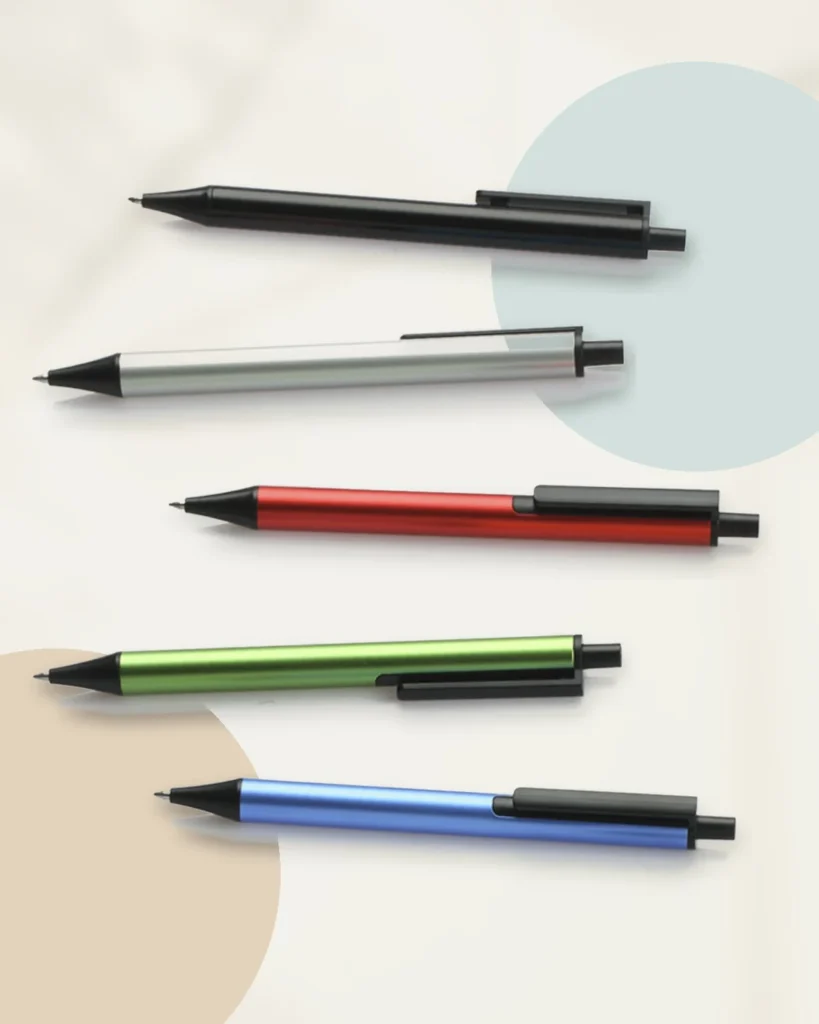
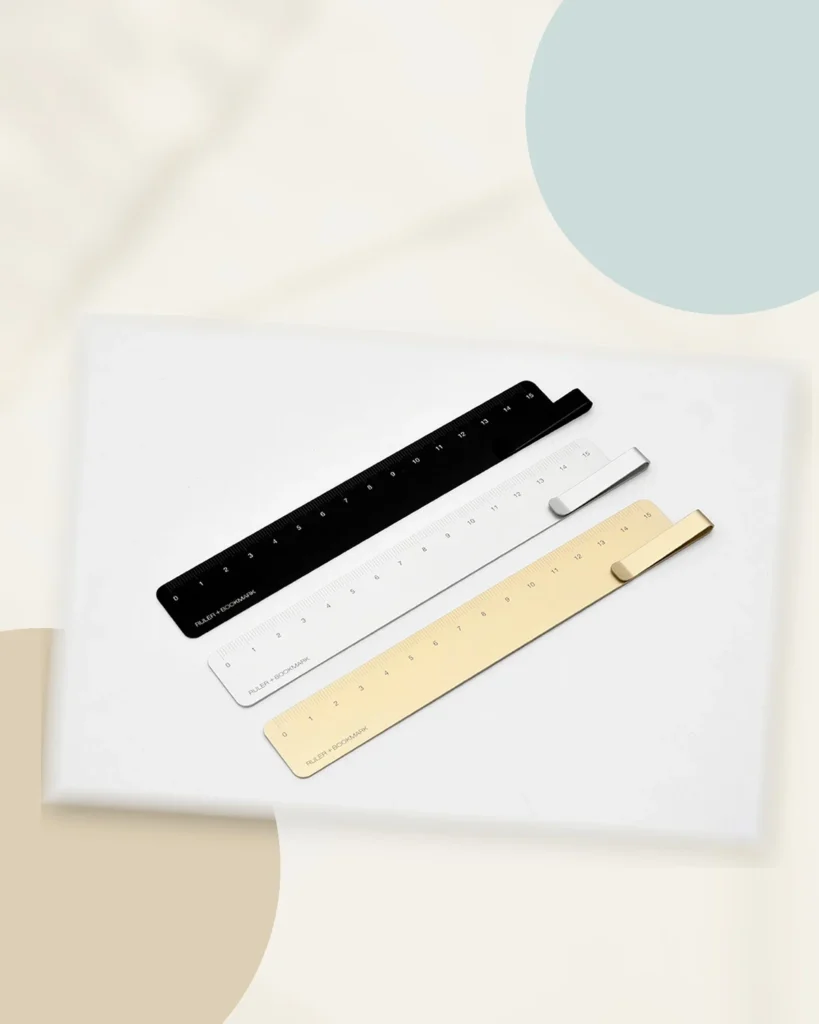
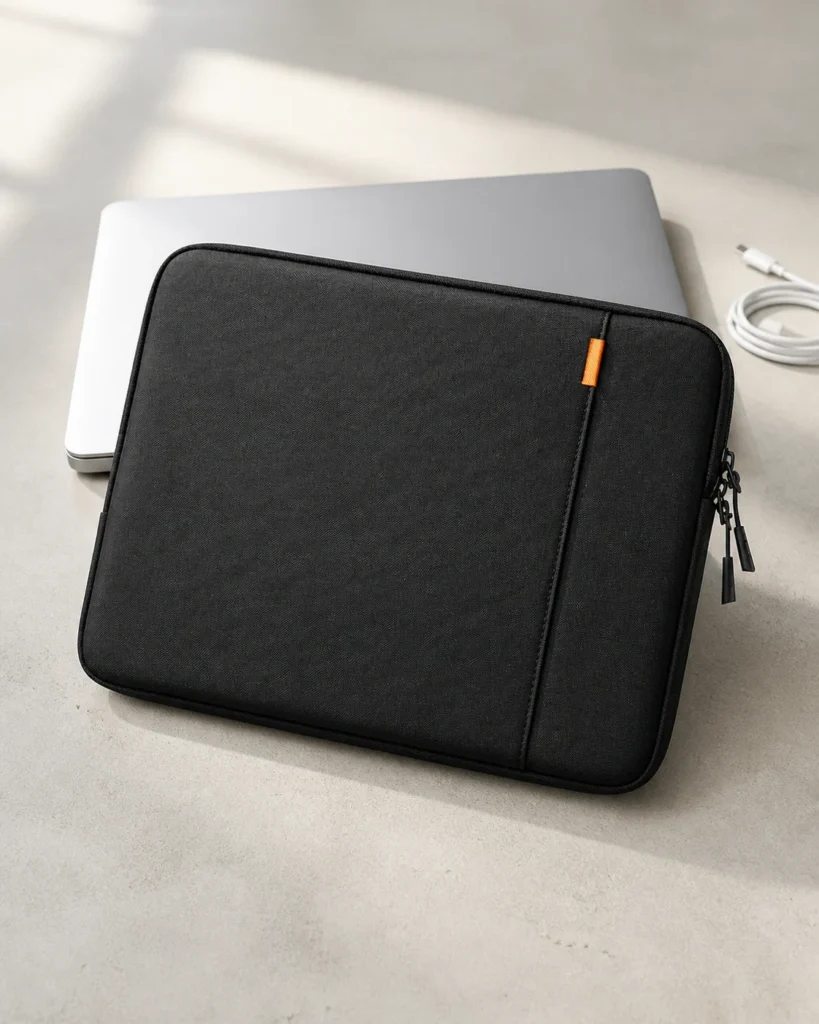
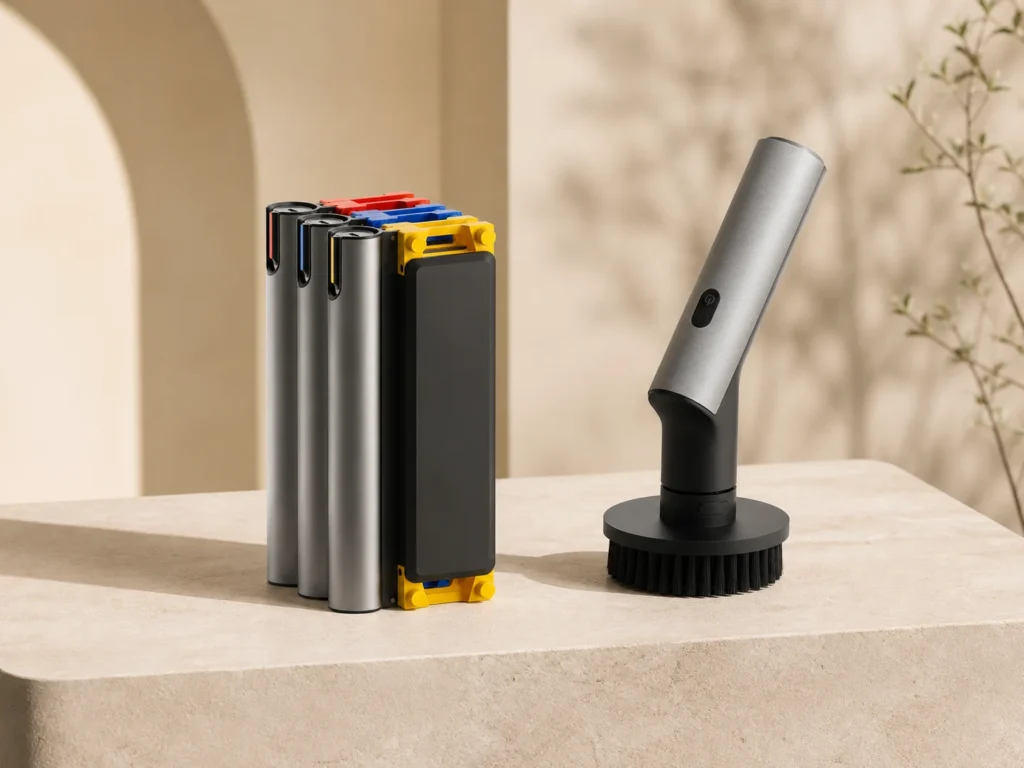
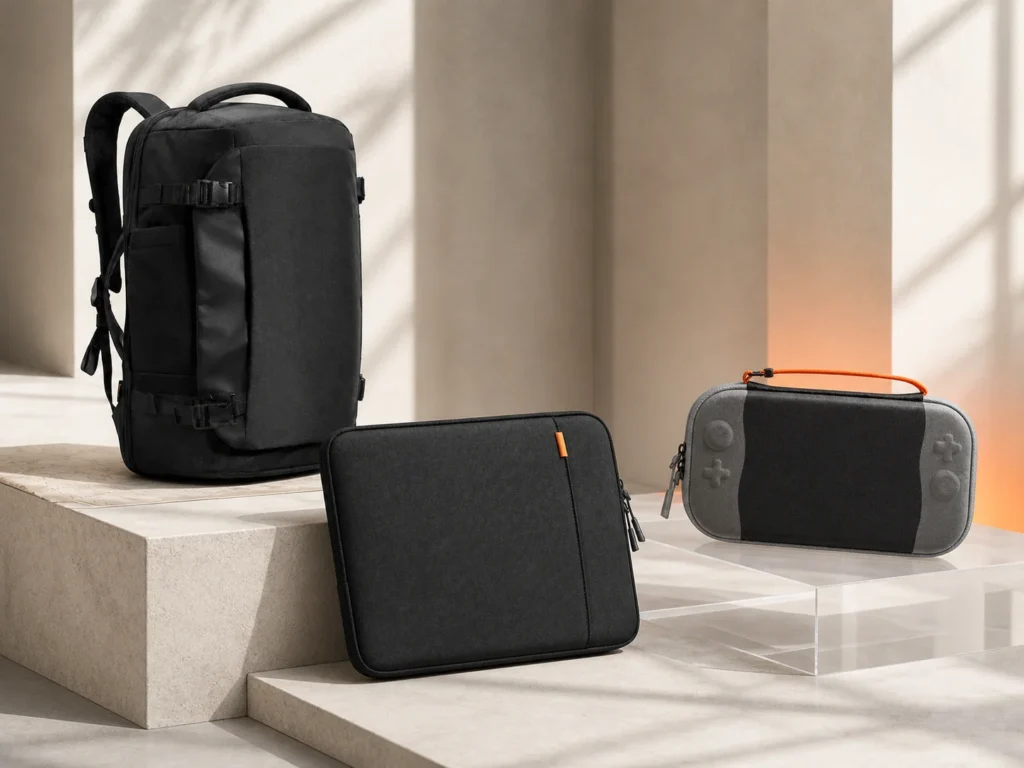
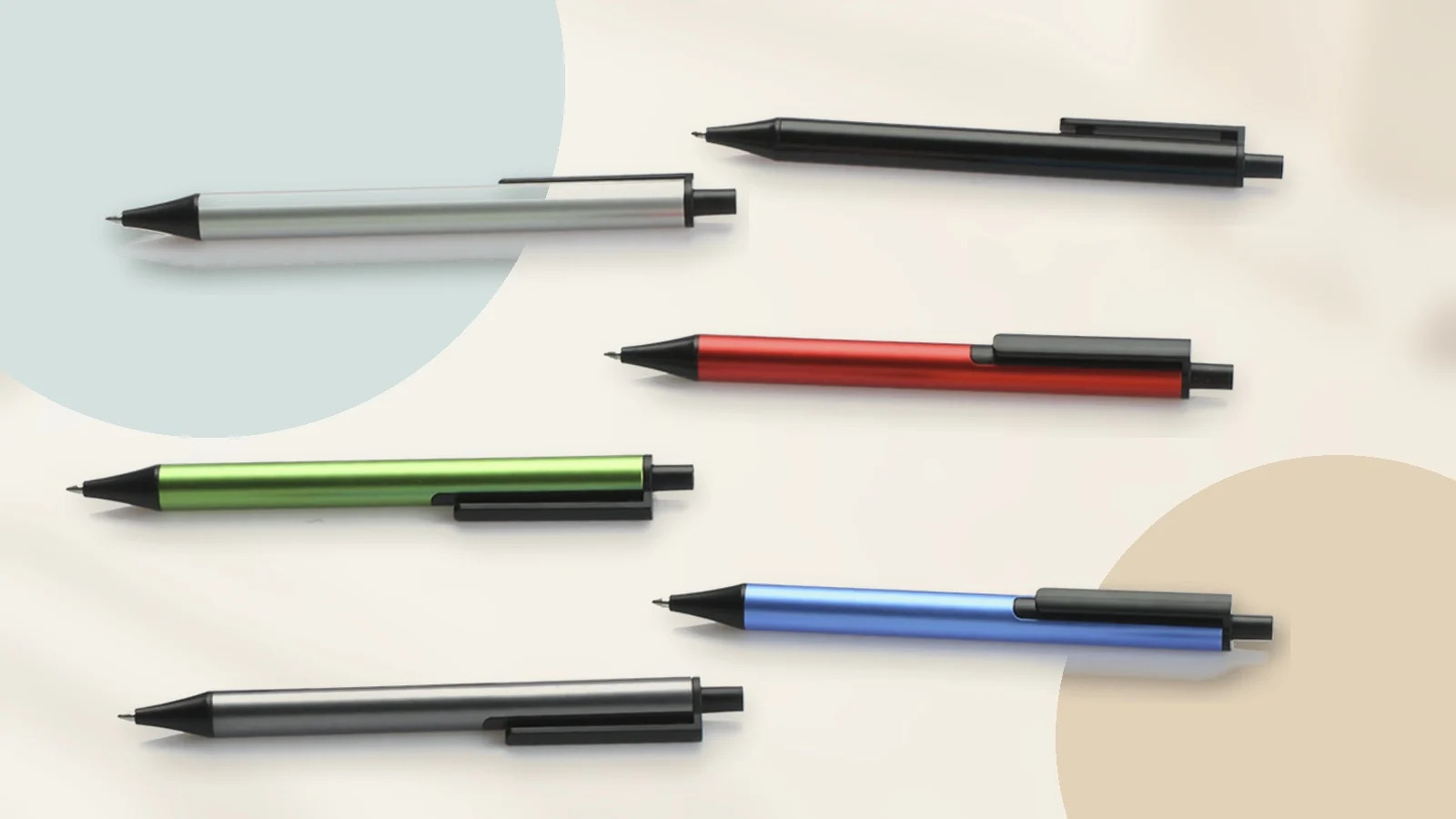
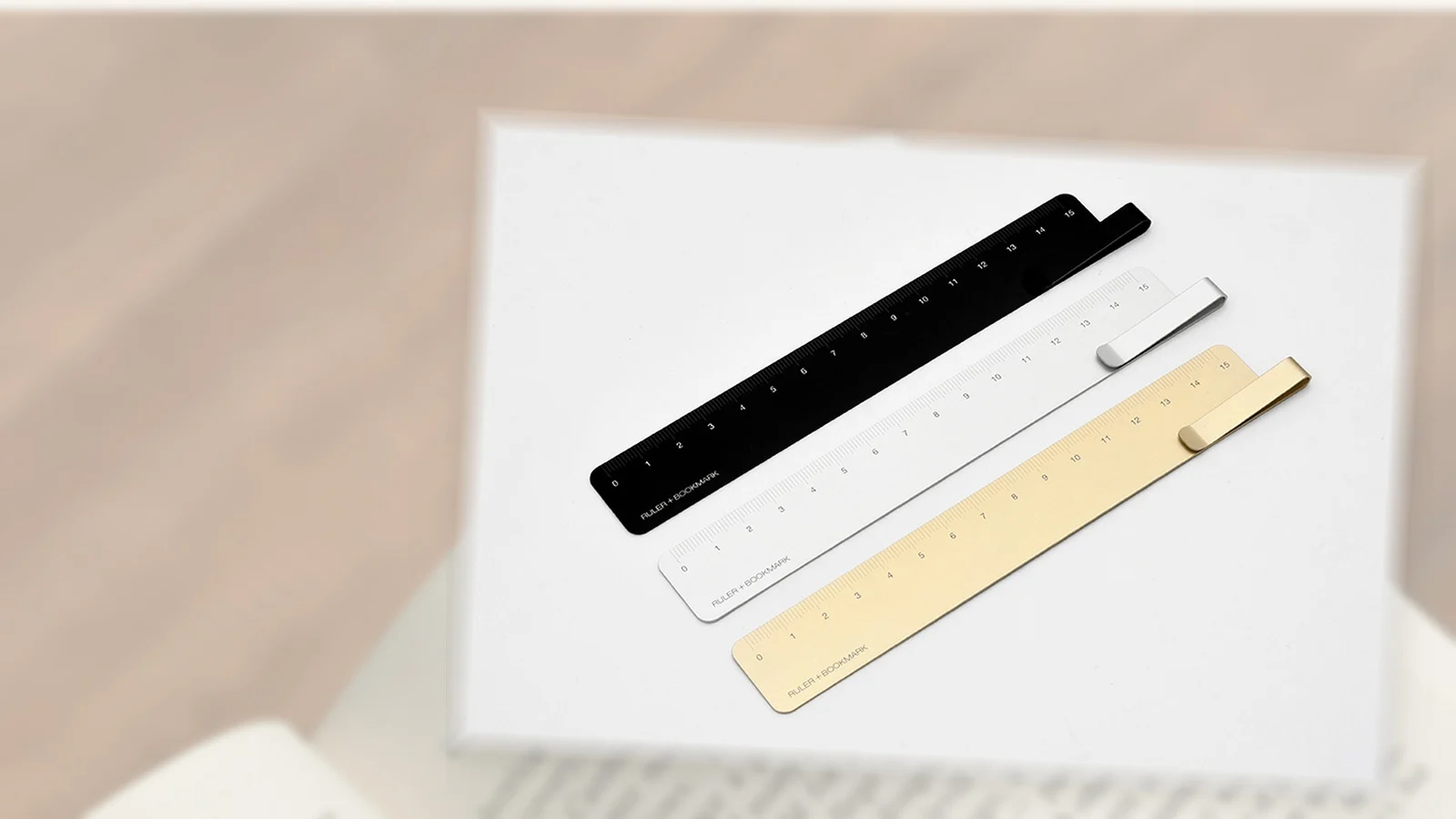
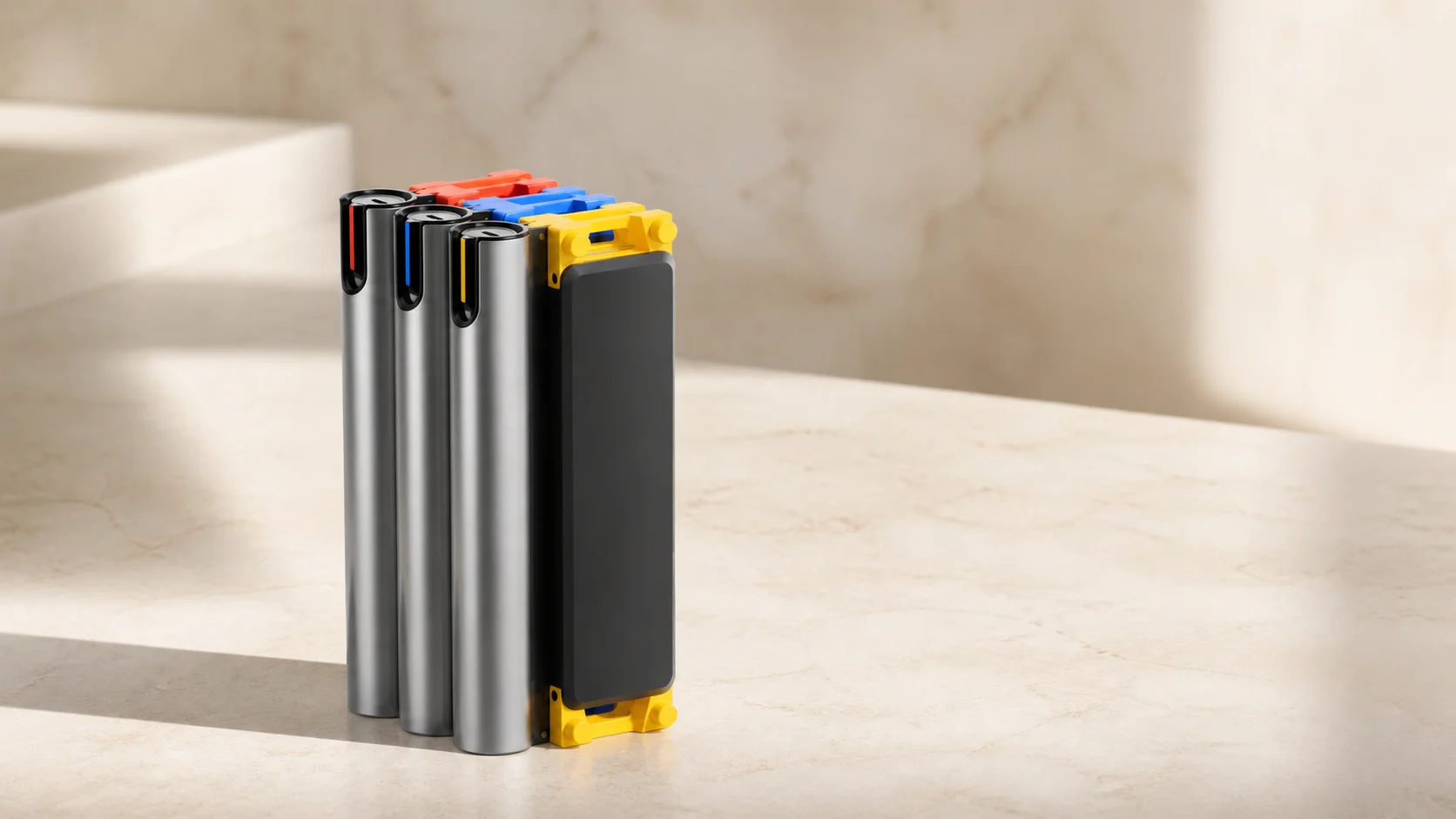
This guide is for choosing design-led desk tools from published specifications when you cannot handle every object before buying. It uses four current ChinoMuse records as examples: the KACO TUBE Gel Ink Pen, KACO RUMA Ruler + Bookmark, HOTO SNAPBLOQ and tomtoc Defender-A13. They perform different jobs, but the same questions reveal whether their design is useful for your desk.
1. Begin with the task, not the object category
“I need a pen” is too broad to guide a good choice. The relevant task might be writing quick notes, marking drawings, signing documents or keeping one refillable instrument beside a notebook. Each task changes what matters: point size, ink colour, drying behaviour, refill access, grip and clip position.
The same is true for every desk tool. A ruler used inside a notebook needs a different shape from one used for cutting. A precision system for occasional electronics work needs the correct bits and controllable speed, not the largest accessory count. A sleeve carried inside a backpack needs accurate internal dimensions and edge protection more than an external pocket you will not use.
Write one sentence before comparing products: “I need an object that performs this task, in this setting, with these constraints.” The sentence turns design from a visual preference into a working requirement.
2. Check the exact model and configuration
Desk products often appear in families. Colours, refill types, kit contents and device sizes may share one product name while differing in important ways. Record the maker, exact name, selected variant and official URL. If the listing combines several configurations, identify which specifications belong to the one you are considering.
KACO presents TUBE as an aluminium gel ink pen, while regional availability may determine which colours and refills remain current. HOTO presents SNAPBLOQ as a modular system rather than one fixed tool. The mini drill, electric screwdriver and rotary tool are separate modules, so a photograph of the complete family does not establish what arrives in a particular box.
A reliable comparison uses the selected configuration, not the most complete image on the page. Package contents, compatible modules and any required charging equipment should be written down before price or colour enters the decision.
3. Read dimensions where the object actually meets you
Headline size is rarely enough. For a laptop sleeve, compare the computer body with the sleeve’s internal dimensions. The tomtoc Defender-A13 page distinguishes internal from external measurements; that is more useful than relying on a 13.5–14.4-inch screen label, because computers with similar diagonal screens can have different chassis, feet and hinges.
For hand tools, note the length, weight and diameter that determine reach and grip. For a ruler, the measured length and the profile of the edge matter. KACO identifies RUMA as a 15cm aluminium ruler with a folded end that works as a bookmark clip. Fifteen centimetres may be ideal beside a notebook but insufficient for larger drawings. The integrated clip is useful only if it suits the page thickness and does not leave an unwanted mark.
Dimensions should be treated as relationships: object to hand, device to sleeve, ruler to page and tool to fastener. A compact form is valuable when it preserves the clearance and control required by the task.
4. Separate material character from performance
Aluminium, recycled plastic and technical fabric can explain how a product is constructed or why it looks a certain way. They do not, by themselves, prove durability, comfort or precision. Material identity is a fact to record; performance is a separate claim that requires appropriate evidence.
KACO’s TUBE uses an aluminium barrel, giving colour and finish a material basis rather than applying a bulky decorative shell. That supports a discussion of its slim visual structure. It does not establish writing smoothness, balance, clip strength or finish wear. Those qualities would require physical use over time.
When comparing materials, ask what the material changes in the task: weight, stiffness, grip, edge condition, protection or replaceability. Avoid turning a material name into a general promise of quality.
5. Prioritise the replaceable and consumable parts
Many desk tools remain useful only while a small component can be replaced. Pens need refills. Precision tools need suitable bits and, for powered modules, viable charging and battery support. Protective cases need to keep fitting the device you actually carry.
For TUBE, verify the current refill specification and whether compatible refills are available where you live. A metal barrel is not a long-term advantage if the required refill cannot be sourced. For SNAPBLOQ, check which bits, modules and charging components are included, and whether future modules use the same system.
Replaceable parts are also where regional differences appear most quickly. A product page can remain live while local stock, package contents or service channels change. Confirm the current seller and exact consumables at the time of purchase.
6. Evaluate ergonomics without inventing a hands-on verdict
Online specifications can identify likely ergonomic questions, but they cannot answer every one. A slim aluminium pen may suit one grip and feel too narrow for another. A metal ruler can provide a crisp edge while feeling cold or unforgiving on delicate paper. A laptop sleeve may fit correctly but still add more bulk than expected.
Use published dimensions and photographs to form questions rather than conclusions. Where does the clip meet the hand? Is the control reachable without changing grip? Does the ruler’s folded end sit above the notebook? Is the sleeve opening wide enough for the device corners and zipper path?
If comfort or control is decisive, buy from a channel with a clear return route or examine the object in person. A source-led profile can narrow the risk; it cannot substitute for your hand.
7. Treat multifunctionality as a trade-off
Combining functions can remove clutter, but only when the secondary function does not weaken the primary one. RUMA’s folded end adds a bookmark function without introducing a detachable component. The design remains recognisably a ruler. That is a more focused combination than adding unrelated features simply to increase a specification count.
SNAPBLOQ takes a system approach: multiple modules share a stackable architecture. This can reduce duplicated storage and make expansion easier, but it also creates dependency on the system’s compatible modules. The value depends on whether you need more than one function and can obtain the modules relevant to your work.
Ask which function you will use every week, what compromise supports the additional function and whether a simpler single-purpose object would perform the main task better.
8. Check the desk around the product
Desk tools do not operate alone. Pens interact with paper and refills. Rulers meet notebooks, cutting mats and drawing surfaces. Tool systems need storage, power and the correct fasteners. Sleeves move between the desk, bag and security checkpoint.
Map the immediate environment before choosing. Note available storage depth, charging access, device dimensions, the surfaces that may be scratched and the objects that travel together. This often exposes a mismatch that is invisible in the product photograph.
A quiet design language can help different objects share a desk, but visual compatibility should come after physical and functional compatibility.
9. Verify access, service and the current seller
An official product page establishes identity and manufacturer-published information. It does not guarantee stock, international delivery, local warranty handling or the exact package offered by another seller. Check the destination, seller name, return conditions and current model before ordering.
For powered tools, verify battery, charging input, regional configuration and the safety limits stated for the exact model. For protective products, recheck compatibility when a laptop or console generation changes. For writing tools, confirm refill format rather than assuming every regional version uses the same component.
Record the date you checked these details. Access information changes faster than the design story of the object.
A practical desk-tool checklist
- Task: What repeated action must the object improve?
- Identity: What is the exact model, variant and official URL?
- Fit: Which internal, external or hand-contact dimensions matter?
- Material: What does the material establish, and what remains untested?
- Consumables: Which refills, bits, modules or accessories will be needed?
- Ergonomics: Which comfort or control questions require physical handling?
- Trade-off: Does multifunctionality improve the main task or complicate it?
- Environment: How does the object meet the notebook, device, bag and storage around it?
- Access: Is the exact version available with a credible return and support route?
Choose the object you can explain
The strongest desk-tool decision is not the one with the most features or the most striking photograph. It is the one whose fit, material, replaceable parts and limitations can be explained in relation to a real task.
Design still matters. It can reduce unnecessary parts, clarify controls and make repeated use more coherent. But design becomes useful when the object works with the hand, device and desk already in front of you. Start there, then decide which form deserves to stay.