


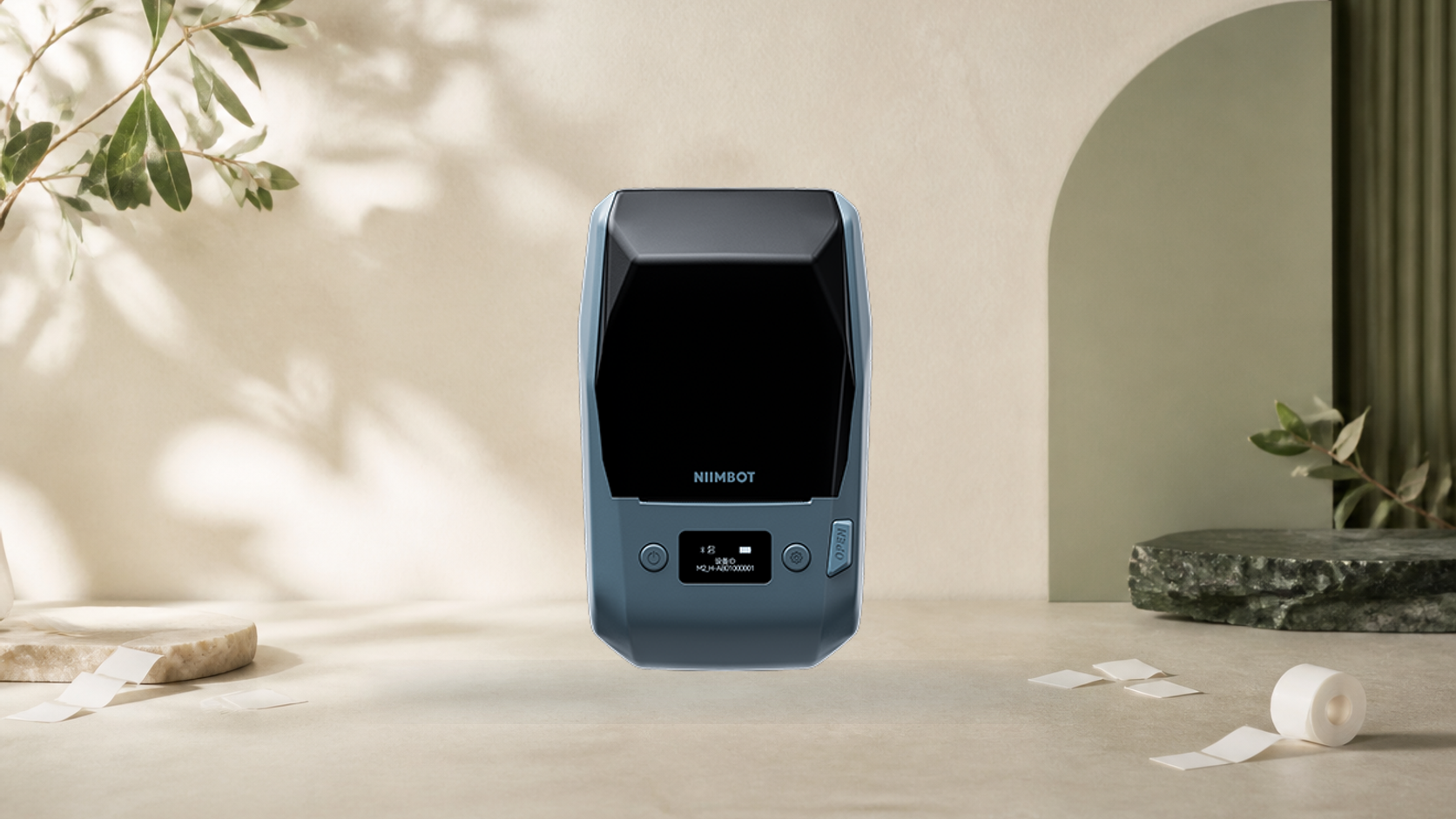
A label maker can look like a simple purchase: choose a width, install an app and start printing. The difficult part is that the product is not only the machine. The exact model, print mechanism, media sensor, labels, application, computer software, account region and battery all form one system. A reseller title rarely records that system completely.
This checklist uses three current NIIMBOT machines as worked examples. It is not a ranking and does not describe physical testing. The purpose is to show how to read first-party specifications before choosing any Chinese label maker.
1. Identify the exact model and suffix
Begin with the manufacturer’s model page, not a marketplace headline. Record the full name, product code and regional page. Closely related names can conceal different resolution, connection or accessory records. NIIMBOT’s D110_M page, for example, specifies 203dpi; a generic D110 listing should not be allowed to overwrite that exact record.
Save the source URL and the date checked. If two official pages conflict, prefer the page bound to the exact model code and describe the conflict rather than averaging or guessing.
2. Separate direct thermal from thermal transfer
Direct-thermal printers create an image on heat-sensitive label material and do not use an ink cartridge or ribbon. Thermal-transfer printers use a ribbon to place material on the label. That difference affects consumables, storage, surface choice and expected durability.
NIIMBOT B21 Pro and D110_M are direct thermal. M2_H is thermal transfer. A claim that all three are simply “inkless” hides a decision the buyer must make: which media system suits the records or objects being labelled?
3. Distinguish label width from print width
Outer label width and effective printable width are not identical. B21 Pro accepts 20–50mm labels but records a 48mm effective print width. D110_M accepts 8–15mm labels but prints within 12mm. M2_H again accepts 20–50mm labels with a 48mm effective area.
Measure the information that must fit: font size, barcode quiet zone, icon, number of lines and margins. Do not choose a machine by the largest roll width alone.
4. Read the sensing methods
Gap, transparent, black-mark, continuous and black-label-gap media are different feed cases. The printer must recognise where one label ends and the next begins. A roll that physically fits can still fail to feed correctly when its sensing method is unsupported.
Match the exact consumable code or a fully specified compatible label. For storage, kitchen or workshop use, also check adhesive, surface, temperature, moisture and removal requirements. Printer compatibility does not prove that a label material is suitable for food contact, heat or long-term records.
5. Verify software before buying hardware
Check the current application in the relevant phone app store and the manufacturer’s download page. Look for operating-system version, account region, language, export options, fonts, barcode formats, template access and whether a subscription is needed for any function you expect to use.
If computer printing matters, confirm that the exact model supports USB or desktop software. D110_M is specified as Bluetooth; B21 Pro lists Bluetooth and USB; M2_H lists Bluetooth and Type-C. A charging port does not automatically establish desktop printing.
6. Treat resolution and speed as system figures
Resolution affects small text and line detail, but label material, print density, artwork and software rendering also matter. Speed is a manufacturer maximum under a defined setup. It should not be converted into a productivity promise without testing the chosen labels and workflow.
Where first-party summaries disagree, document the lower model-specific value unless the manufacturer clarifies the record. NIIMBOT’s exact M2_H page lists 40mm/s, so that is the figure used in ChinoMuse’s product profile.
7. Check battery and charging as exact records
Record battery capacity, input voltage and current, connector, published charging time and operating temperature. Do not calculate runtime from milliamp-hours alone. The B21 Pro and D110_M pages list 1500mAh and 5V/1A. M2_H lists 2000mAh, 5V/2A and a two-to-three-hour charging time.
Print density, feed length, wireless activity, standby behaviour and temperature alter endurance. A battery figure is useful for comparing the architecture, not for promising a number of labels per charge.
8. Confirm support and regional availability
Before purchase, find the official manual, software download, support route and active regional product page. Confirm the model suffix, supplied roll or ribbon, plug and cable, warranty region, return route and replacement consumables. A machine is difficult to maintain when its labels or application are unavailable in the user’s region.
A compact verification record
- Exact model, suffix and first-party URL
- Direct thermal or thermal transfer
- Resolution and effective print width
- Label width, length and sensing method
- Phone and computer connection
- Application, language and account region
- Battery capacity, input and operating temperature
- Consumable availability and suitability
- Manual, support and current regional listing
- Any conflicts between official pages
Use the record, not the impression
The best-looking label maker is not necessarily the best fit. A narrow Bluetooth model can be the clearer choice for short household labels; a wider 300dpi machine can suit denser layouts; thermal transfer can make sense when the media system and expected conditions justify it. Verification turns those differences into an explicit decision instead of a guess.


