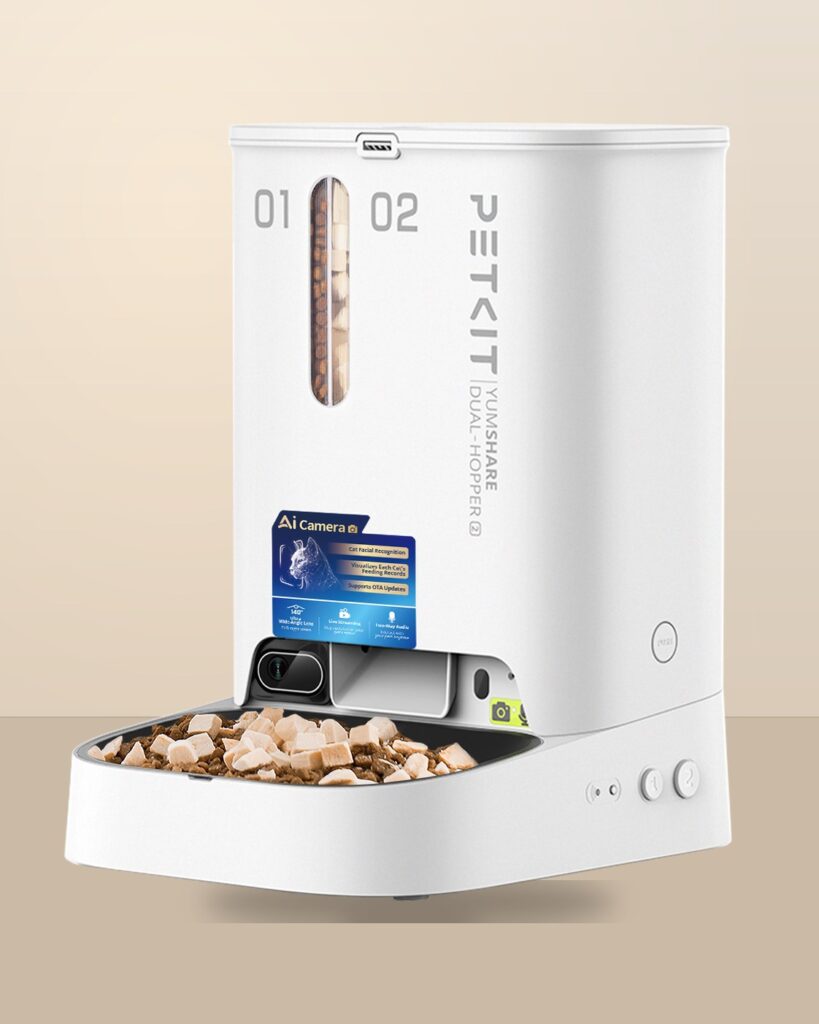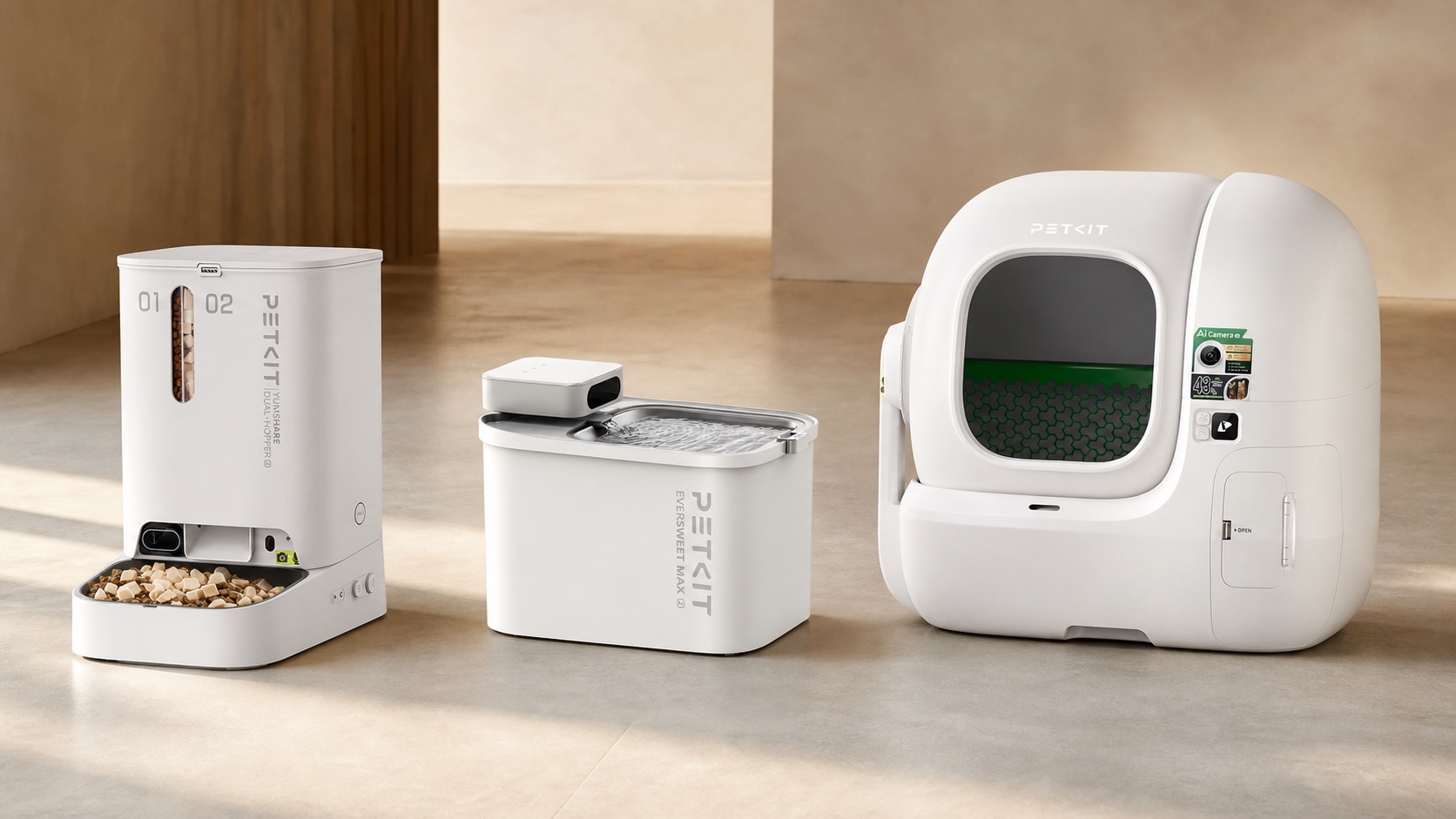


A smart pet device is easy to judge by its headline function: the feeder dispenses, the fountain circulates and the litter box cleans. The harder question is whether the entire routine works in the home where the device will actually be used. Model numbers, regional services, power, wireless coverage, consumables and cleaning access often matter as much as the object itself.
This guide uses three current PETKIT records—a feeder, a fountain and an automatic litter box—to show how to verify a connected pet product before purchase. It is a source-checking framework, not an account of physical use or veterinary advice.
1. Start with the exact model, not the family name
Connected products are frequently sold in families with similar names. A regional store, marketplace listing and manual may describe different generations or variants. Record the exact model code before comparing anything else. In the cited PETKIT material, YumShare Dual-hopper 2 is model P592, EverSweet Max 2 (UVC) is model P4116 and Purobot Max Pro 2 is model P9904. A listing that omits the model code leaves a basic identity question unresolved.
Check that the product photograph, dimensions, input rating and supplied components agree across the official product page and manual. A title alone is not enough. Terms such as “Max,” “Pro,” “2” and “UVC” can mark material differences in power, pump, camera or enclosure.
2. Confirm the region before comparing features
An English-language page does not establish that every function is available in every country. The selling entity, plug or adapter, warranty process, app distribution, subscriptions and cloud functions may vary. Capture the destination-country storefront, current warranty terms and support channel. If a reseller imports another regional version, ask who will provide firmware, service and replacement parts.
Do not treat a global brand presence as proof of local compatibility. The useful evidence is specific: an active regional product page, a matching manual, a supported app listing and a warranty route for the exact model.
3. Map every dependency around the device
The hardware is only the visible centre of a connected routine. List everything it needs to keep working: external power or charging, backup cells, Wi-Fi or Bluetooth, an account, an app, optional cloud storage, filters, liners, desiccant, compatible litter or compatible dry food. Then separate essential dependencies from optional ones.
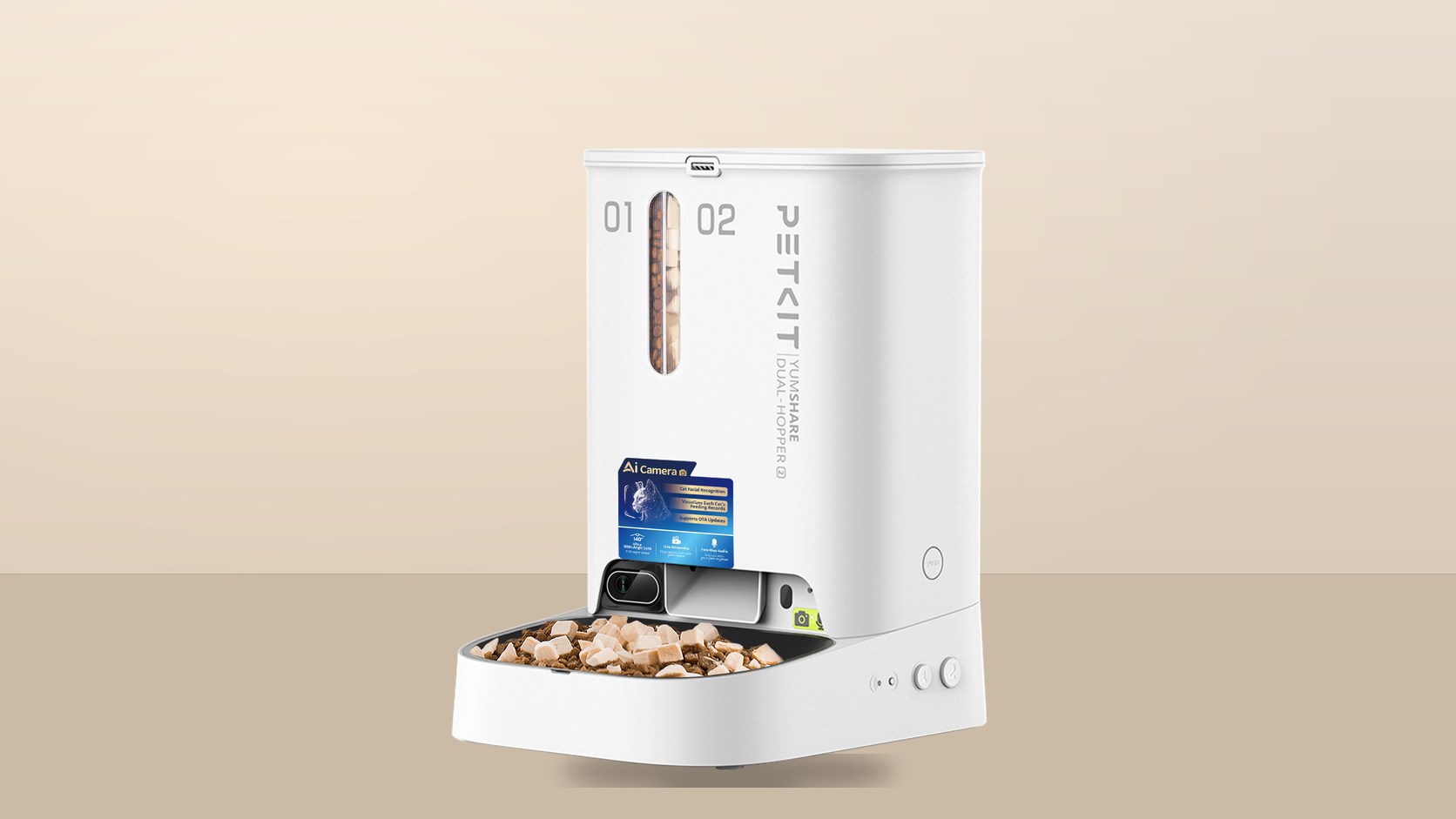
For the YumShare Dual-hopper 2, normal operation uses a 6V DC, 2A input. Four D alkaline cells can provide limited backup dispensing, but the cited manual says the camera is unavailable on backup power. That distinction is more useful than the generic claim that the feeder has “emergency power.”
4. Check network requirements and failure behaviour
Write down the stated connection method and what happens when it disappears. The feeder and Purobot Max Pro 2 list 2.4GHz and 5GHz Wi-Fi, while the cited EverSweet Max 2 manual identifies Bluetooth. These are not interchangeable. Router configuration, signal strength, account region and phone permissions can affect setup.
Ask four simple questions: Does the device continue its core task offline? Which schedules are stored locally? Which records or camera functions stop? How does the device recover after power and network return? If the official documentation does not answer one of them, record it as an unresolved question rather than assuming continuity.
5. Read the power specification literally
Check rated input, the supplied cable or adapter, battery type and whether the battery is replaceable. Avoid translating “cordless” into “maintenance-free.” The EverSweet Max 2 (UVC) uses a built-in lithium battery and a 5V DC, 1A input. The cited package list includes a USB power cable but does not identify a wall adapter. Its official sources do not state battery capacity, so a capacity should not be inferred from marketing runtime.
For any rechargeable product, check where it can be charged, which connections must remain dry and how the device behaves at low charge. For primary-cell backup, confirm cell chemistry, quantity and disposal requirements.
6. Measure the real space, including access
Product dimensions describe the enclosure, not the working footprint. Add room for opening lids, removing tanks, pulling waste drawers, lifting bowls and reaching sockets. Also consider the approach path used by the animal.
The Purobot Max Pro 2 is listed at 657 × 538 × 603mm with a 255mm entrance. PETKIT’s current guidance also calls for a hard, level floor and clearance from the wall. Those requirements can rule out a location even when the body itself fits. Measure the route into the room as well as the final position.
7. Verify food, water and litter compatibility
Automation does not make the contents universal. For a feeder, compare food form and size with the documented limits. PETKIT identifies dry food only for P592, with cited maximum sizes for kibble and freeze-dried pieces. That does not establish dietary suitability or guarantee that every shape will dispense without blockage.
For a fountain, identify the filter model, replacement interval guidance and local availability. For a litter box, verify compatible litter types, minimum and maximum cat weight, liner requirements and any transition instructions. Consumables that are difficult to obtain can become the practical limit of an otherwise capable device.
8. Audit the cleaning path before the feature list
Look for an exploded diagram or a manual section that shows what detaches. Count the surfaces that contact food, water or waste. Note which parts can be rinsed, which electrical components must remain dry and whether a brush or tool is required. Claims such as dishwasher-safe must be tied to named components, not extended to the whole device.
The fountain separates its water container from the wireless pump, while the feeder has removable food-contact parts and a stainless steel bowl. The litter box adds a rotating cylinder, screen, waste bin, liner, sensors and camera window. More automation can mean more interfaces to inspect.
9. Treat camera and app records as records—not diagnoses
A camera can show an event; it cannot by itself prove that food was consumed, water intake was adequate or an animal is healthy. Weight sensors and classification software can also miss or misidentify events. Read app language carefully and separate notification, estimate, classification and diagnosis.
The Purobot Max Pro 2 lists a 1080p fixed camera and weight sensing. That can support a household log, but it does not replace direct observation or professional veterinary assessment. Any unusual behaviour or health concern still requires human judgement.
10. Review privacy and subscription boundaries
For a camera-equipped product, check whether the camera can be disabled, what the basic app provides, which playback features require payment and how account data is handled. Review the current privacy policy rather than relying only on a product-page slogan. Cloud retention and subscriptions can change independently of the hardware.
Consider camera placement in the home. A low, wide-angle camera may capture more of a room than expected. Use account protections offered by the service and review sharing access. If a household is not comfortable with cloud-connected video, that is a product-selection criterion, not a setup detail.
11. Verify support, parts and warranty before purchase
Save the current manual, warranty terms and official support contact. Search the regional store for filters, liners, pumps and other service parts. Check whether returns apply after the product has contacted food, water or litter. Marketplace seller promises should not be confused with the manufacturer’s regional warranty.
A useful comparison sheet has one row for every dependency: model, region, input, network, offline behaviour, consumables, cleanable parts, minimum clearances, animal fit, privacy, subscriptions, parts and support. Leave unknown cells blank and ask the seller or manufacturer for evidence.
12. Make the final decision around the routine
The best choice is not necessarily the device with the longest feature list. It is the one whose maintenance, placement and failure behaviour fit the household. A feeder still needs food checks and direct observation. A fountain still needs fresh water and cleaning. An automatic litter box still needs waste removal, surface inspection and a fallback plan.
Before purchase, write down who will refill, clean, charge, replace consumables and respond to an alert. If those tasks are unclear, automation has not removed the work; it has only moved it.
A concise pre-purchase checklist
- Exact product name, generation and model code match the manual.
- Regional app, plug, warranty and subscription terms are confirmed.
- Core behaviour during power or network loss is documented.
- Dimensions include lids, drawers, cables and animal access.
- Food, filter or litter compatibility is confirmed from first-party guidance.
- Cleaning steps and dry-only electrical parts are understood.
- Camera, cloud and account settings match household privacy expectations.
- Consumables and service parts are available from a credible channel.
- A human fallback exists for missed alerts, blockages, low water or waste handling.
Editorial scope
ChinoMuse has not physically tested these devices, observed an animal using them, measured dispensing, assessed water quality, evaluated litter cleaning or audited PETKIT’s cloud systems. Specifications and services can change. Confirm the exact regional model, current manual and support terms before purchase.