
Smart-home sensors are usually sold by capability: motion, presence, opening, temperature or light. Rooms do not behave like product lists. A hallway needs a quick signal that someone has arrived; a study may need to know whether a seated person remains at the desk; a door needs a dependable change of state. The useful starting point is therefore not the device. It is the decision the room must make.
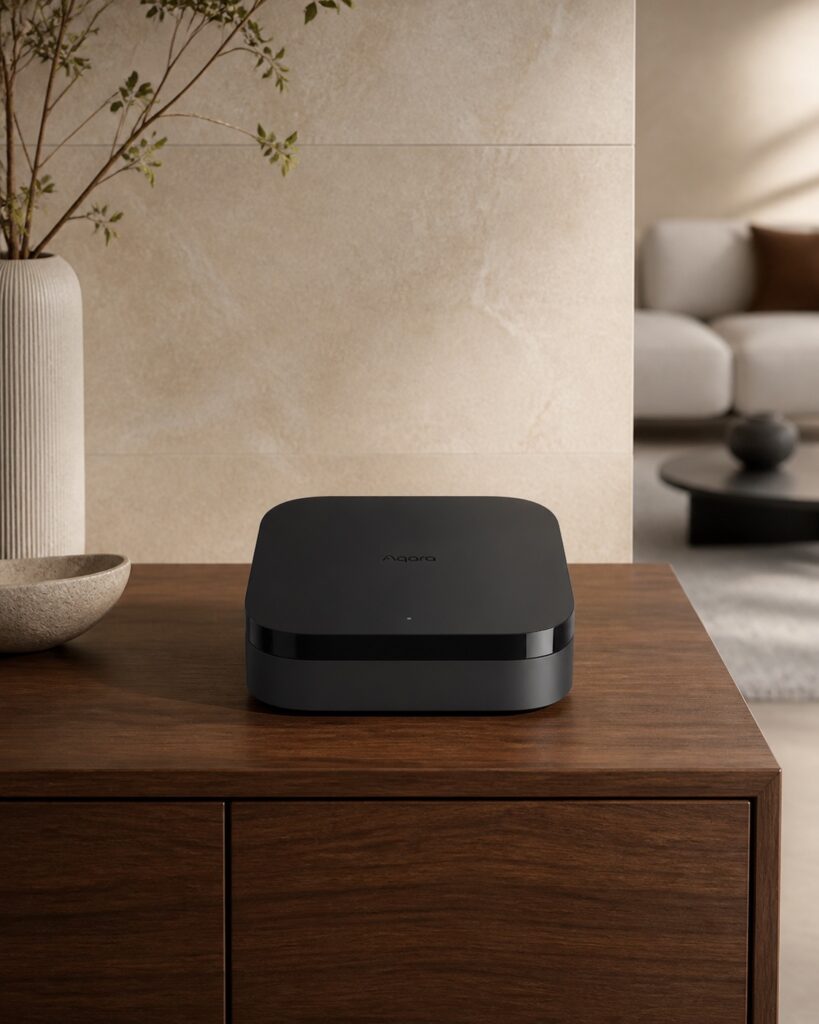
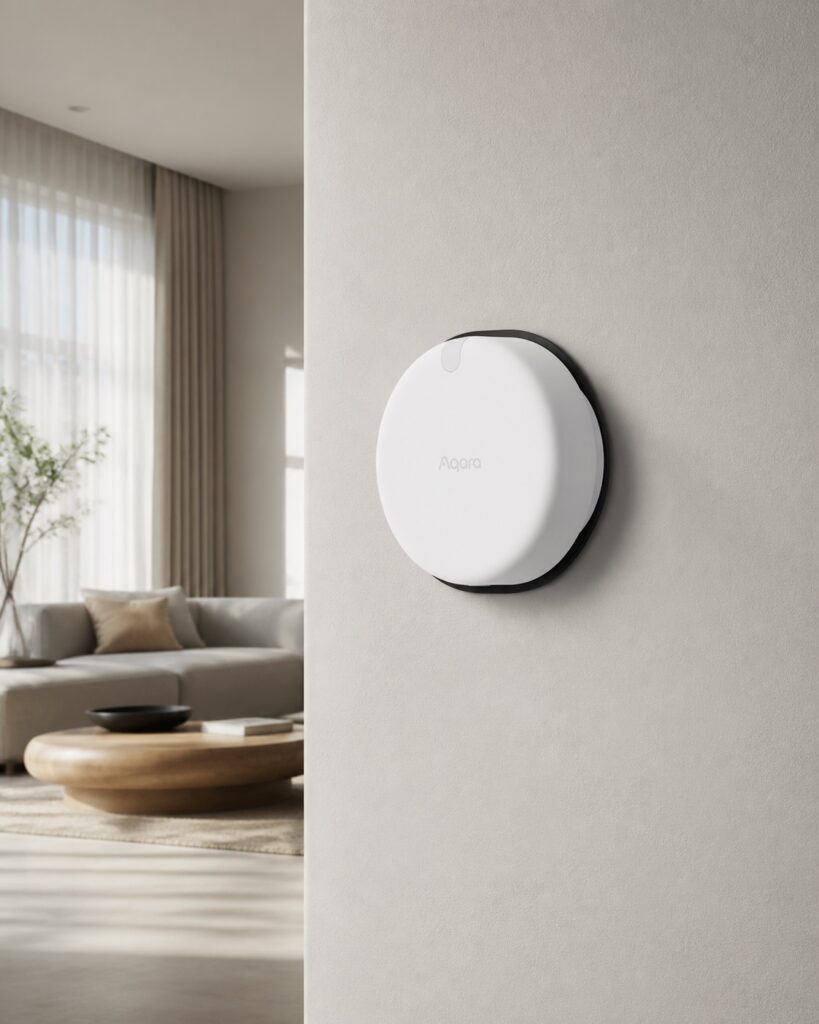
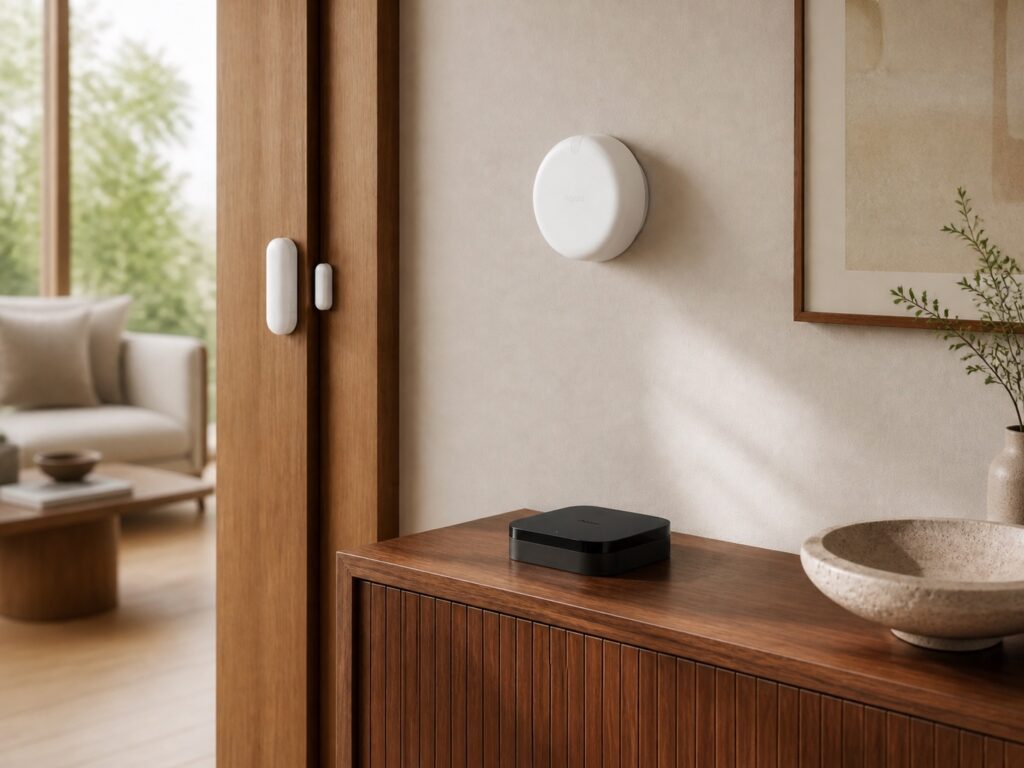
This guide uses current first-party records for the Aqara Hub M3, Presence Sensor FP2 and Door and Window Sensor P2 to show how a room-first evaluation works. It is not a ranking or review. ChinoMuse has not installed or physically tested these devices, and published functions remain attributed to Aqara and the cited standards organisations.
1. Write the automation as a plain-language decision
Begin with one sentence: “Turn on a low light when someone enters after dark,” or “Warn me when the balcony door remains open.” This exposes the state to detect, the response and the conditions that limit it. “Make the room smart” is too vague to test.
Separate convenience from safety. A late light is irritating; an automation attached to heating, access or an appliance can have greater consequences. Where failure matters, retain a physical control and a safe default.
2. Match the sensor to the state, not the room name
A motion sensor reports movement. A presence sensor is intended to recognise continuing occupancy, including smaller movements. A contact sensor reports whether two fitted parts are aligned or separated. These signals answer different questions even when all three devices sit in the same room.
For a passageway, movement may be enough. For a desk, sofa or bedside area, continued occupancy may matter after the person stops walking. For a door, window, cabinet or drawer, a contact change is usually clearer than interpreting movement nearby.
3. Draw the room before choosing placement
Mark doors, windows, seating, work surfaces, curtains, fans, reflective materials, pet routes and positions where people remain still. Then draw the detection decision around those activities. Product range figures do not reveal how furniture, walls or mounting angle change a real installation.
The official FP2 record describes coverage of up to 40 square metres. Treat that as a manufacturer statement, not a promise that every room of that size will behave identically. Geometry, obstructions and the number of people can change the result.
4. Use zones only when they represent real actions
Aqara describes the FP2 as dividing space into 320 cells and supporting up to 30 zones, while recommending no more than five zones for the best experience and usually no more than three. More zones are not automatically more useful. Every boundary adds another rule that can be crossed or misread.
Name zones by function—desk, reading chair, doorway—not by arbitrary colour. If adjacent zones trigger the same response, combine them. If a person can naturally occupy both at once, test whether the automation needs a boundary at all.
5. Separate presence, motion and contact logic
A presence signal can prevent a light from switching off while someone sits still. Motion can provide a fast arrival event. Contact can establish that a window has actually opened. Combining signals may create a better rule, but each input needs a clear purpose.
A room might use contact to suspend climate control when a window opens and presence to manage lighting. That is more legible than asking one sensor to infer both. Keep the automation simple enough that another household member can explain it.
6. Identify every controller and network dependency
“Matter compatible” does not mean a device operates without supporting infrastructure. Aqara states that the Door and Window Sensor P2 uses Matter over Thread and needs a Matter controller with Thread border-router capability. The Hub M3 is described as a Matter controller, Thread border router and Matter bridge, alongside Zigbee and dual-band Wi-Fi.
List the sensor, controller, border router, hub, phone application and any account or cloud service involved. Confirm the exact regional model and firmware path. Matter and Thread define interoperability roles; they do not guarantee every feature in every ecosystem.
7. Check whether the hub adds a useful role
A hub can coordinate local automations, connect protocols and expose devices to another platform. It can also add a power supply, network dependency and another place where settings live. Evaluate the Hub M3 for the specific role it will perform rather than treating it as a universal requirement.
Record which automations can continue locally, which depend on a remote service and which controller owns the rule. Duplicate rules in two platforms can produce repeated or conflicting actions.
8. Plan power, cables and battery maintenance
Power is part of placement. The FP2 is wired, so cable route and a nearby power point affect whether the position is practical. The P2 uses a replaceable CR123A battery. The Hub M3 requires continuous power. Those different maintenance models belong in the room plan.
Do not infer runtime from battery type alone. Signal activity, network conditions, temperature, firmware and automation frequency can change endurance. Make sure a depleted sensor cannot silently leave an important rule in an unsafe state.
9. Ask what happens without internet access
Test the design on paper for three failures: internet unavailable, controller offline and sensor offline. Decide whether physical controls still work, whether schedules continue and whether the household receives a useful warning. “Local” should refer to a specific function, not become a blanket description of the entire system.
Aqara publishes local-processing and controller functions for the Hub M3, but exact behaviour still depends on configuration and which platform owns the automation. Confirm the current manuals before relying on a critical routine.
10. Review privacy at the level of data and function
Presence sensing does not need to be a camera to raise privacy questions. Ask what state is collected, where it is processed, how long it is retained, which household accounts can read it and whether remote access is enabled. Occupancy patterns can be sensitive even when no image is recorded.
Use the least data needed. Remove unused zones, review shared access and update account security. Revisit privacy decisions when another platform or voice assistant is connected.
11. Test temporary placement before fixing hardware
Use a reversible trial where the installation instructions allow it. Walk every normal route, then sit, turn, open a door, draw a curtain and repeat under different occupancy conditions. Record false triggers and missed events rather than adjusting several settings at once.
Contact sensors need careful alignment. The sensor and magnet must fit the moving and fixed surfaces without collision. Door thickness, hinge movement, moulding and opening direction can make an attractive position impractical.
12. Design automations that fail clearly
A useful routine makes its state understandable. If a light remains on, the user should know whether the room is occupied, a timer is running or a sensor is unavailable. Provide a manual override that does not fight the automation seconds later.
Avoid building many dependent actions before the first is stable. Begin with a notification or light, observe it, then add secondary responses. This reduces the chance that an uncertain state controls several objects at once.
13. Use a room-level buying checklist
- Decision: the exact state to detect and response to produce.
- Geometry: doors, windows, furniture, obstacles and stationary positions.
- Signal: motion, presence, contact or environmental measurement.
- Infrastructure: controller, border router, hub, application and account.
- Power: cable route, battery type, access and maintenance.
- Failure: internet, controller and sensor-offline behaviour.
- Privacy: data, processing location, retention and access.
- Trial: temporary placement, false triggers and manual override.
14. What public records cannot establish
Official pages can establish product identity, published compatibility, named functions and manufacturer specifications. They cannot prove performance in a particular floor plan, wireless environment or household routine. They cannot establish long-term reliability, false-trigger frequency or future integration behaviour.
Choose the signal and infrastructure that make the room’s decision legible, then verify the complete installation in that room. The goal is not the greatest number of sensors. It is the smallest dependable system that solves a defined problem.
Editorial scope
This source-led guide was checked against the cited Aqara, Connectivity Standards Alliance and Thread Group pages on 14 August 2026. ChinoMuse has not installed or physically tested the devices. Specifications, firmware, regional functions and compatibility may change; confirm the exact current model and documentation.